Resolution:
Version: V1.0
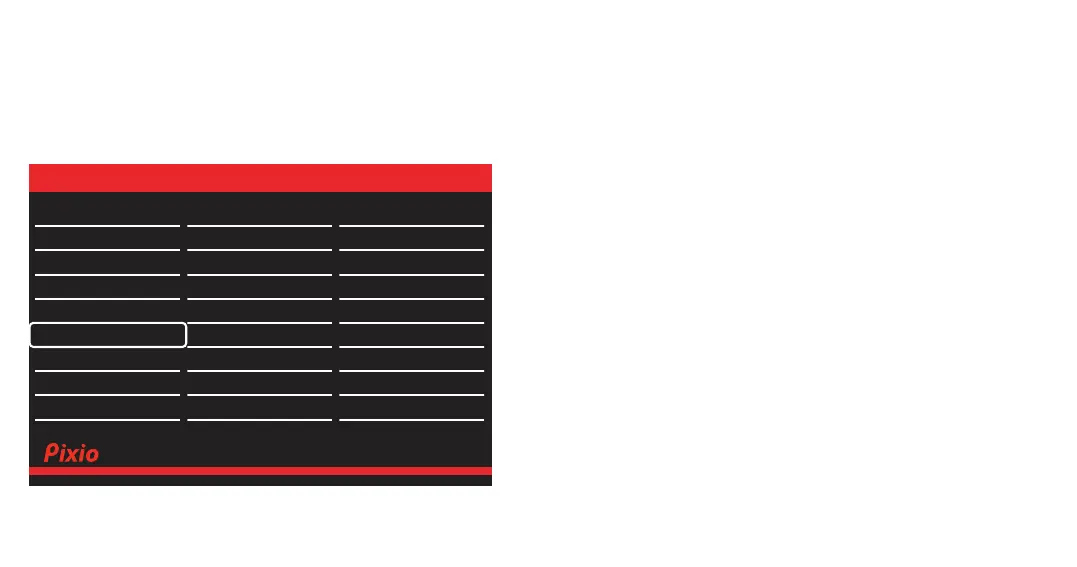
OSD
• Language: Change the OSD menu display language.
• OSD H.Position: Adjust the H Positon value from 0 to 100.
• OSD V.Position: Adjust the V Positon value from 0 to 100.
• Transparency: Adjust the Transparency value from 0 to 100.
• OSD Timer: Adjust the Time Out value from 0 to 100.
• OSD Rotation: Select Rotation from Normal, 90, 180, or 270.
DP 2560x1440@180Hz
Language
OSD H.Position
OSD V.Position
Transparency
OSD Timer
OSD Rotation
English
50
50
20
20
Normal
Audio Adjust
Color Setup
Display
Misc.
OSD Setup
Gaming Setup
Input



 To Next Page