Connecting Cables
© 2015 Planar Clarity Matrix Fiber Video Extension User Guide 9
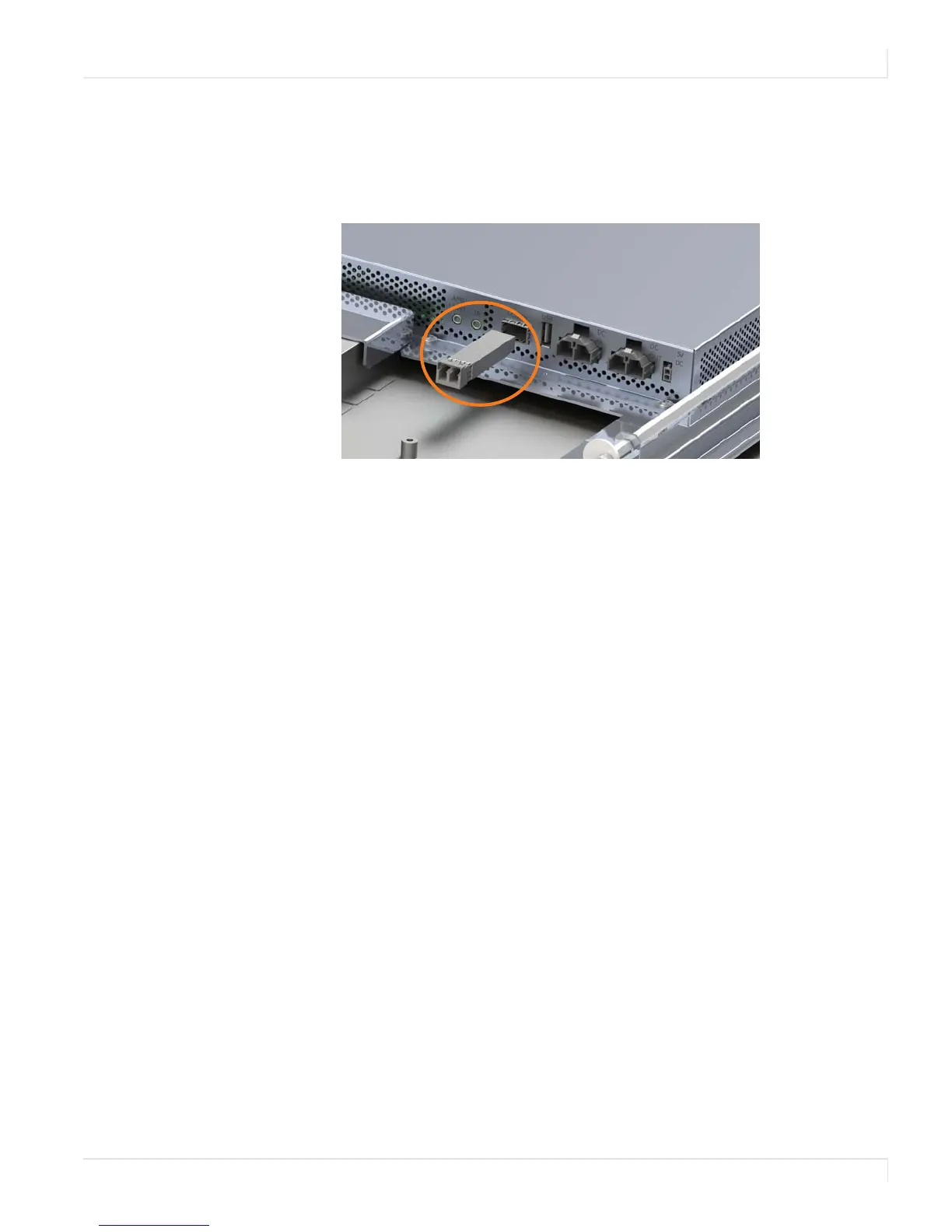
3 On the Panel Interface Board of each LCD, do the following:
a Insert a transceiver into the LCD In connection.
b Remove the black cap from the transceiver.
c Plug the other end of the fiber optic cable into the transceiver.
4 Connect the DC power brick to the Fiber Video Extension module and plug
the AC power cord into the power source.


 To Next Page