© 2015 Planar Clarity Matrix Fiber Video Extension User Guide 6
Installing the Fiber Video
Extension
Unpacking the Box
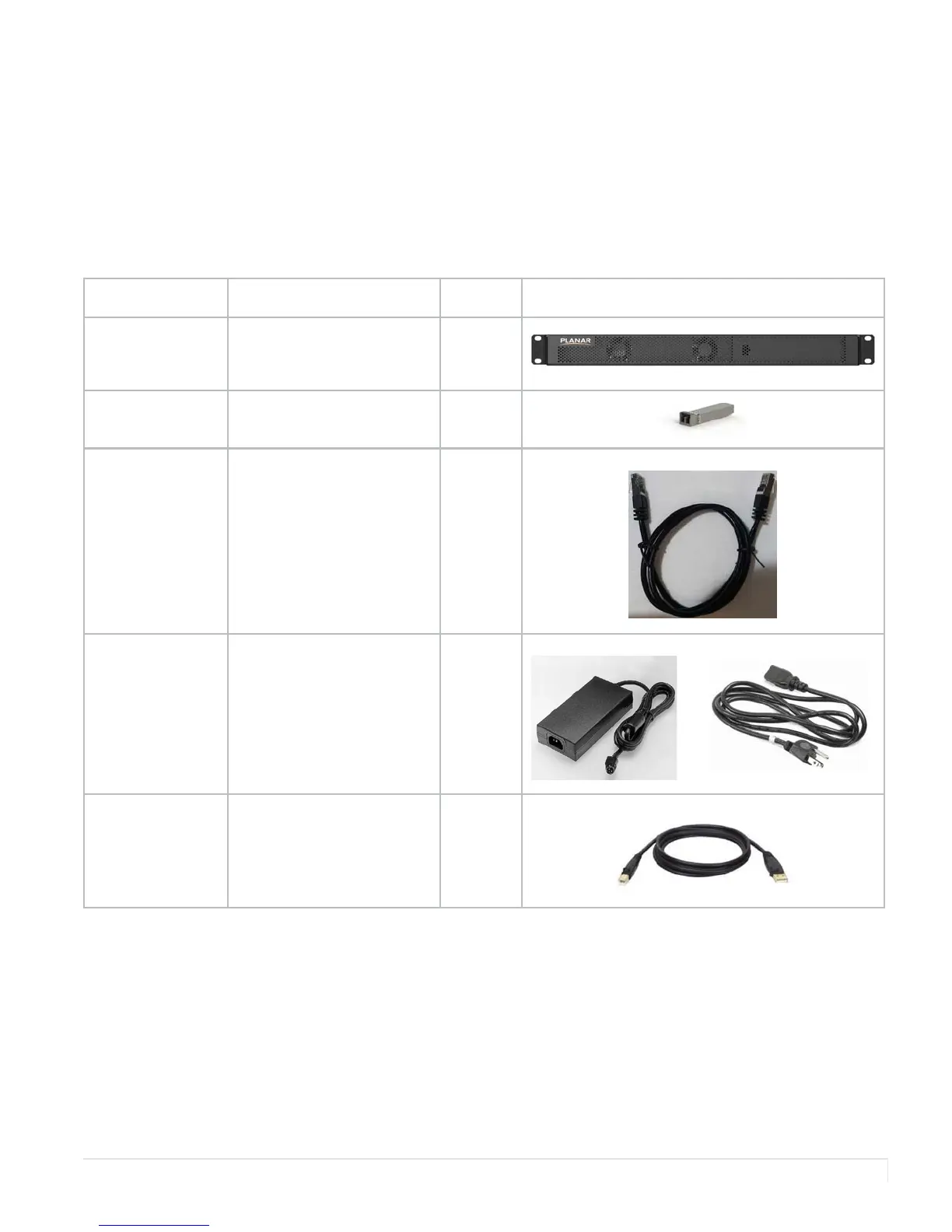
The following items are included with the Fiber Video Extension module:
Part Description Number Picture
Fiber Video
Extension
module
Extends the Quad
Controller with fiber optic
cable out to the LCDs.
1
Transceiver Connections for the fiber
optic cable.
4
CAT6 patch
cables (1 m)
Connects the Quad
Controller module to the
Fiber Video Extension
module.
4
DC power brick
(4 ft)
Powers the Fiber Video
Extension module.
Includes AC cable (2.5 m).
1
USB cable (3 m) Connects a PC to the Fiber
Video Extension module
for USB devices located at
the panel, such as a touch
sensor.
1


 To Next Page