2
Before You Begin
Check that your system meets these requirements for installation of the Dome E2, E3, or E5
display system.The Dome E3 display is compatible with either the DX2 or the AX3 board.
Operating System
Windows XP or
Windows 2000
with Service Pack 4
or higher
Windows XP or
Windows 2000
with Service Pack 4
or higher
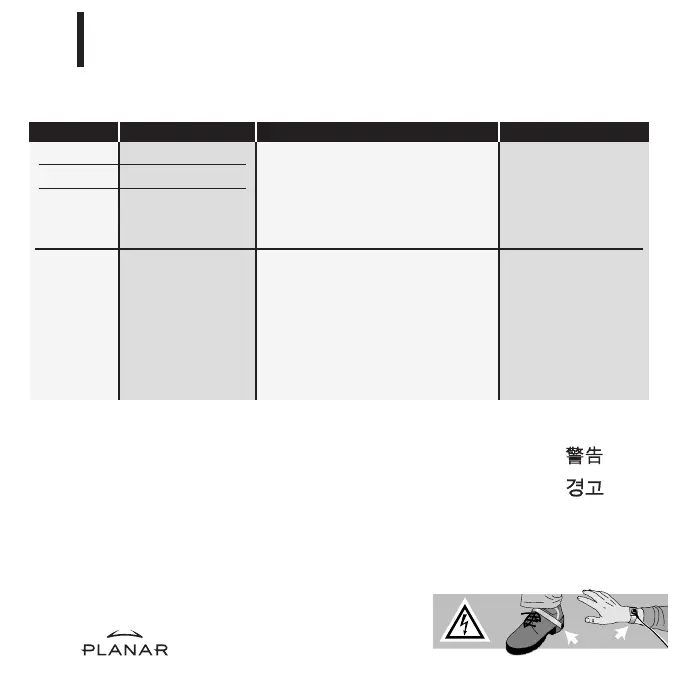
Warning
Avertissement
Avvertenza
Advertencia
Warnung
Wear an antistatic heel or wrist
strap when installing the controller
and display to avoid damage to
computer components.
Increasing the PCI Bus Performance
(PCICacheMode registry entry)
On systems with 64-bit PCI slots, use the display
driver to enable write-combining for the display
controller. Enabling this function can improve video
performance on the board by 100% or more.
The results: faster image loads, increased window
and level speed, and enhanced system performance.
For more information, visit www.planar.com.
System Requirements
•
PCI slot per board
(64-bit recommended)
•
50 MB hard disk space
•
256 MB RAM
•
CD-ROM drive
•
Intel Pentium 4/Xeon; AMD
Athlon 64/K7/XP or compatible
•
PCI Express x16 lane slot
•
50 MB hard disk space
•
256 MB RAM
•
CD-ROM drive
•
Power supply,
350 watts or greater
EX Display Display Controller
Dome E2 DX2
Dome E3 DX2
Dome E5 DX2
Dome E3 AX3
EX-QSUG-1_grey 10/18/05 2:06 PM Page 2



 To Next Page