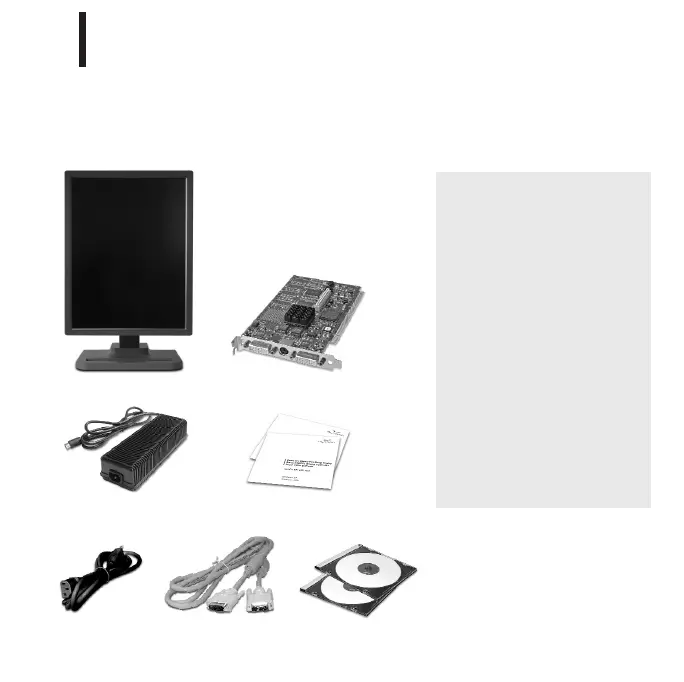
Check the contents of your Dome EX display package for all the items shown here.
Save the original packaging materials for storage and shipping.
3
Guidelines
• Use both hands to lift or
adjust the display.
• Avoid touching the
display screen.
• Do not set up the display
in areas with sudden
temperature changes
and strong light sources.
• Do not block the vents on
the back of the display.
• Do not remove the back
cover or disassemble
the display.
Unpacking the Display
1
Dome EX digital flat panel
Display controller
DVI-to-DVI video cable Dome display driver
and Dome CXtra CDs
Power block
Dome EX and Dome CXtra
quick references
Power cord
er
EX-QSUG-1_grey 10/18/05 2:06 PM Page 3



 To Next Page