10
Webcam
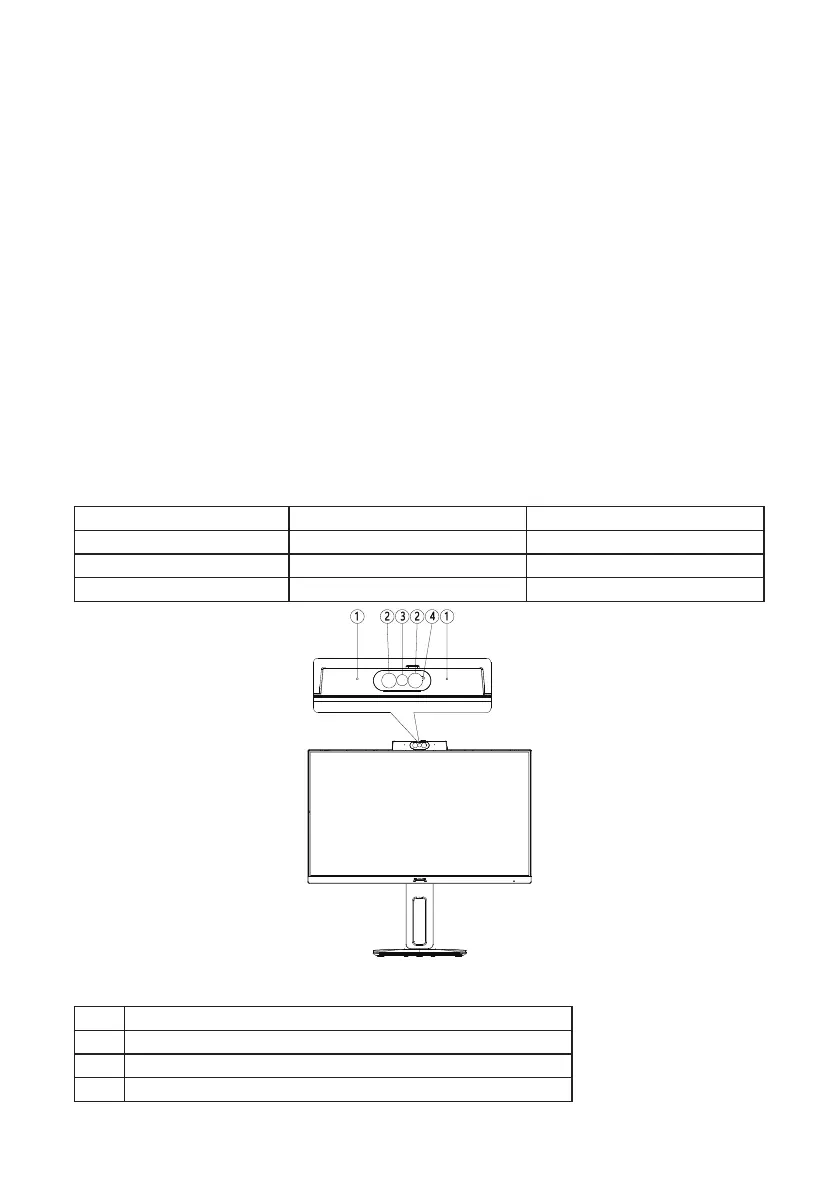
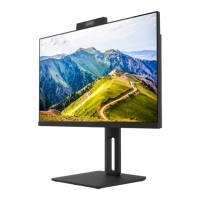
The built in webcam is equipped with advanced sensors for Windows Hello facial recognition.
It conveniently logs you into your Windows devices in less than 2 seconds, 3 times faster
than a password.
To enable Windows Hello™ webcam, connect your USB cable from your PC to the “USB
UP” port of this monitor. The webcam with Windows Hello is ready to work as long as the
Windows Hello setting in Windows10 is complete. Refer to Windows ocial website for the
settings: https://support.microsoft.com/help/4028017/windows-learn-aboutwindows-hello-
and-set-it-up
Note
Please always go to Windows ocial website to access the latest information.
Windows 10 is required for setting up Windows Hello: facial recognition. Any edition lower
or MacOS, webcam can work but without facial recognition. With Windows 7 the driver is
required to activate this webcam.
Operating System Windows Hello Webcam
MAC OS No Yes
Win 7/8/8.1 No Yes
Win 10 Yes Yes
Figure 3 Webcam
1. Microphone
2. IR of Face identication
3. 2.0 Megapixel Webcam
4. Webcam activity light


 To Next Page