16
Main Menu
Item
Main Menu
Icon
1
st
Sub
Menu Item
Description
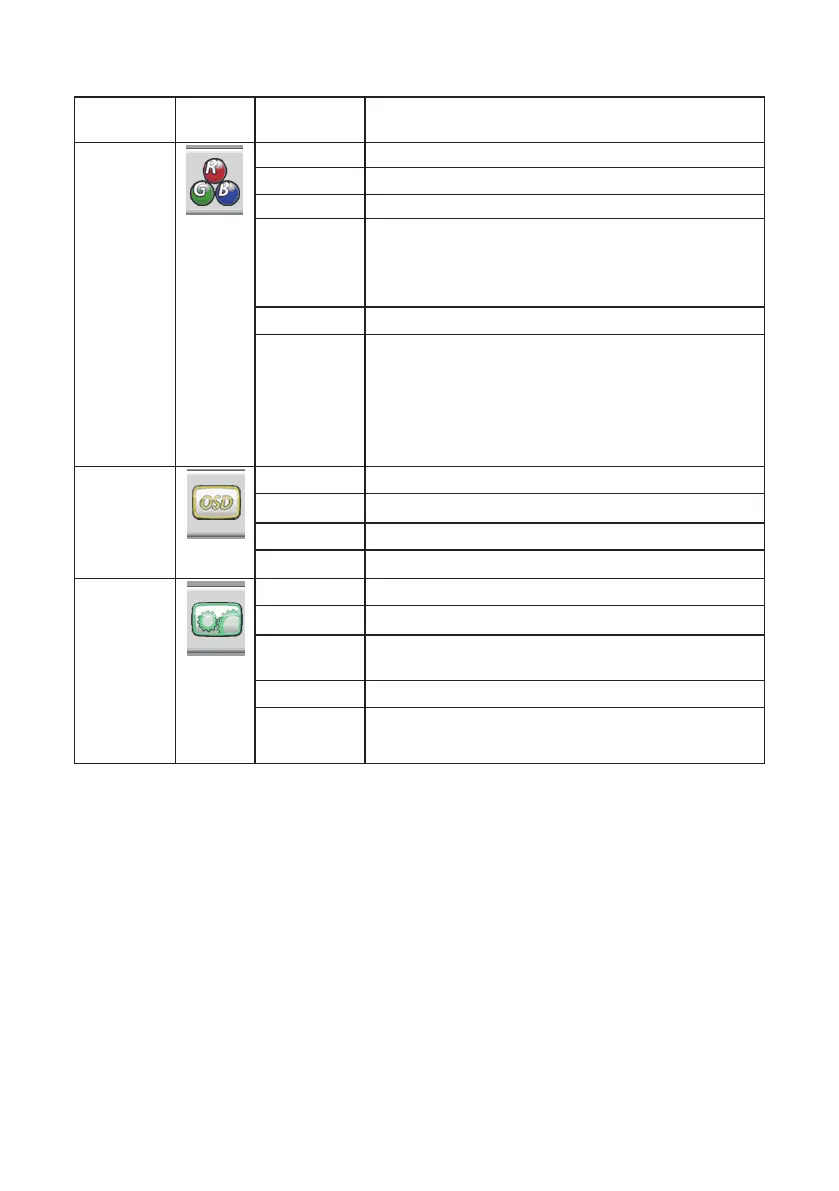
Color
Temp.
Warm Recall Warm Color Temperature .
Normal Recall Normal Color Temperature .
Cool Recall Cool Color Temperature .
User Adjust R.G.B levels as desired.
User-R:Red Gain from Digital-register.
User-G:Green Gain from Digital-register.
User-B:Blue Gain from Digital-register.
sRGB Recall sRGB Color Temperature
Blue Light
Reducer
(15% reduction) - VIDEO – Ideal for watching videos
(30% reduction) - WEB BROWSING – Ideal for web
browsing
(50% reduction) - READING – Ideal for reading
(70% reduction)- LOW LIGHT – Ideal for low ambient
lighting environments
OSD
Setup
H. Position Adjust the horizontal position of the OSD.
V. Position Adjust the vertical position of the OSD.
Timeout Adjust the OSD timeout.
Language Set OSD display language .
Extra
Input Select Select input.
DDC/CI Select DDC/CI On / O.
USB Standby
Power
ON/OFF
Reset Set Monitor to default status.
Information Show the resolution, H/V as above format including
all video timing.


 To Next Page