11
5.1 Logging in to the Managed Switch
1.Use Google Chrome or above Web browser and enter IP address
http://192.168.0.100 to access the Web interface.
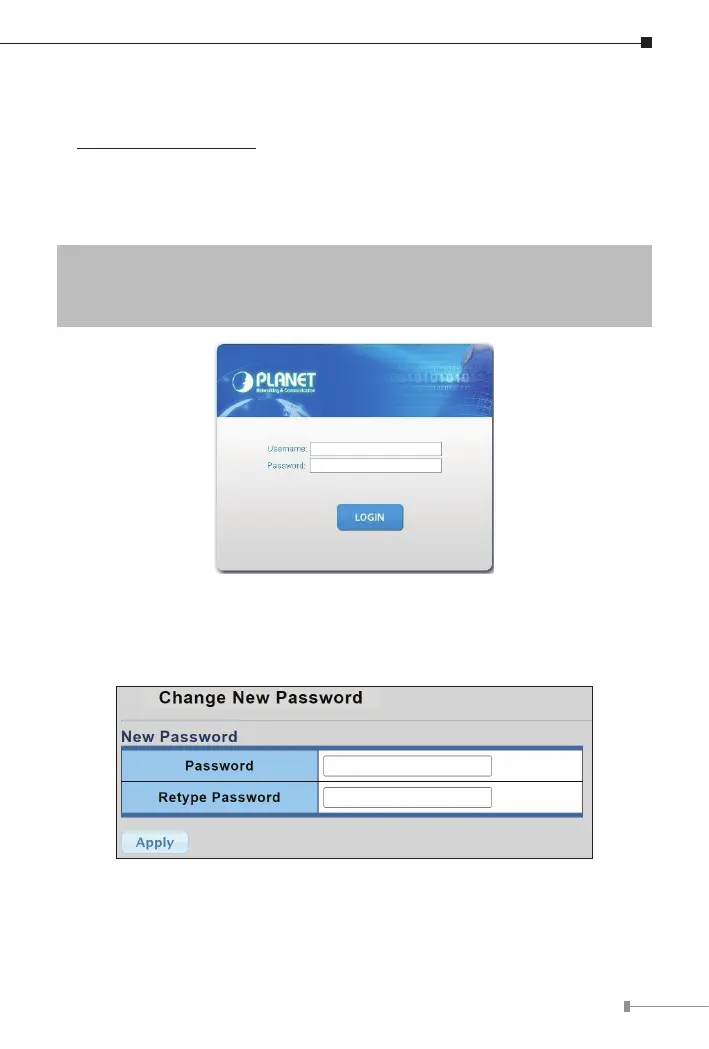
2.When the following dialog box in Figure 5-2 appears, please enter the
default user name and password. Refer to Figure 4-3 to determine your
initialloginpassword.
DefaultIPAddress:192.168.0.100
DefaultUsername:admin
DefaultPassword:sw + the last 6 characters of the MAC ID in lowercase
Figure 5-2: Web Login Screen
3.After logging in, you will be prompted to change the initial password to a
permanent one.
Figure 5-3: Create a New Password


 To Next Page
 Loading...













