Need help?
Do you have a question about the Planet ICA-HM316W and is the answer not in the manual?
Guidelines for safe installation and use of electrical equipment.
Details the features and capabilities of the camera.
Lists key technical features categorized by Camera, Video/Audio, Network, and Installation.
Provides detailed technical specifications for the camera models.
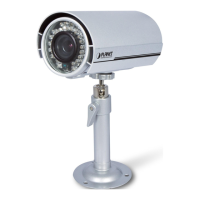
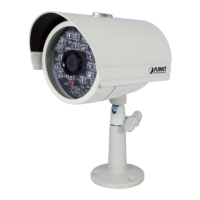
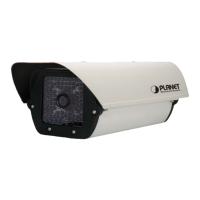
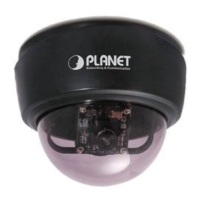
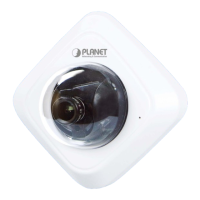
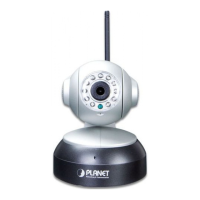
Describes the physical appearance and connectors of the camera.
Explains the functionality and connections of the I/O terminal.
Guides on how to physically install the camera.
Details the steps for physically installing the camera.
Guides on using PLANET IP Installer to find and configure network settings.
Instructions for configuring Internet Explorer security settings for camera access.
Steps to enable UPnP for automatic network discovery on Windows.
Lists the necessary hardware and software specifications for installation.
Steps to reset username and password if forgotten.
Methods to find or reset the camera's IP address.
Troubleshooting steps when the IP Installer program fails to detect the camera.
Troubleshooting steps for accessing the camera's web interface remotely.
Solutions for issues where video or image is not displayed.
 General
| Audio Compression | G.711 |
|---|---|
| Audio Input/Output | Built-in microphone |
| Lens | 3.6mm |
| Video Compression | H.264 |
| Ethernet | 10/100 Mbps |
| Wireless | 802.11b/g/n |
| Wireless Security | WEP, WPA, WPA2 |
| Protocols | HTTP, TCP/IP, UDP, RTSP |
| Local Storage | MicroSD card slot |
| Power Consumption | 5W max |
| Wide Dynamic Range | Digital WDR |


 To Next Page