9. On the “Enter TMS TID” screen, the user must enter the unique terminal ID provided by Planet.
This ID will consist of 8 digits. There is only ONE TMS TID per pin pad.
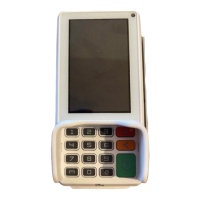
10. Once entered, the user must confirm by tapping on the green “Enter” button.
11. The terminal will now perform the “Firmware download in progress xx%”
12. Should no firmware be available the terminal will display “no new firmware available”.


 To Next Page
 Loading...