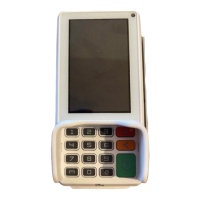
7. Downloading conguration
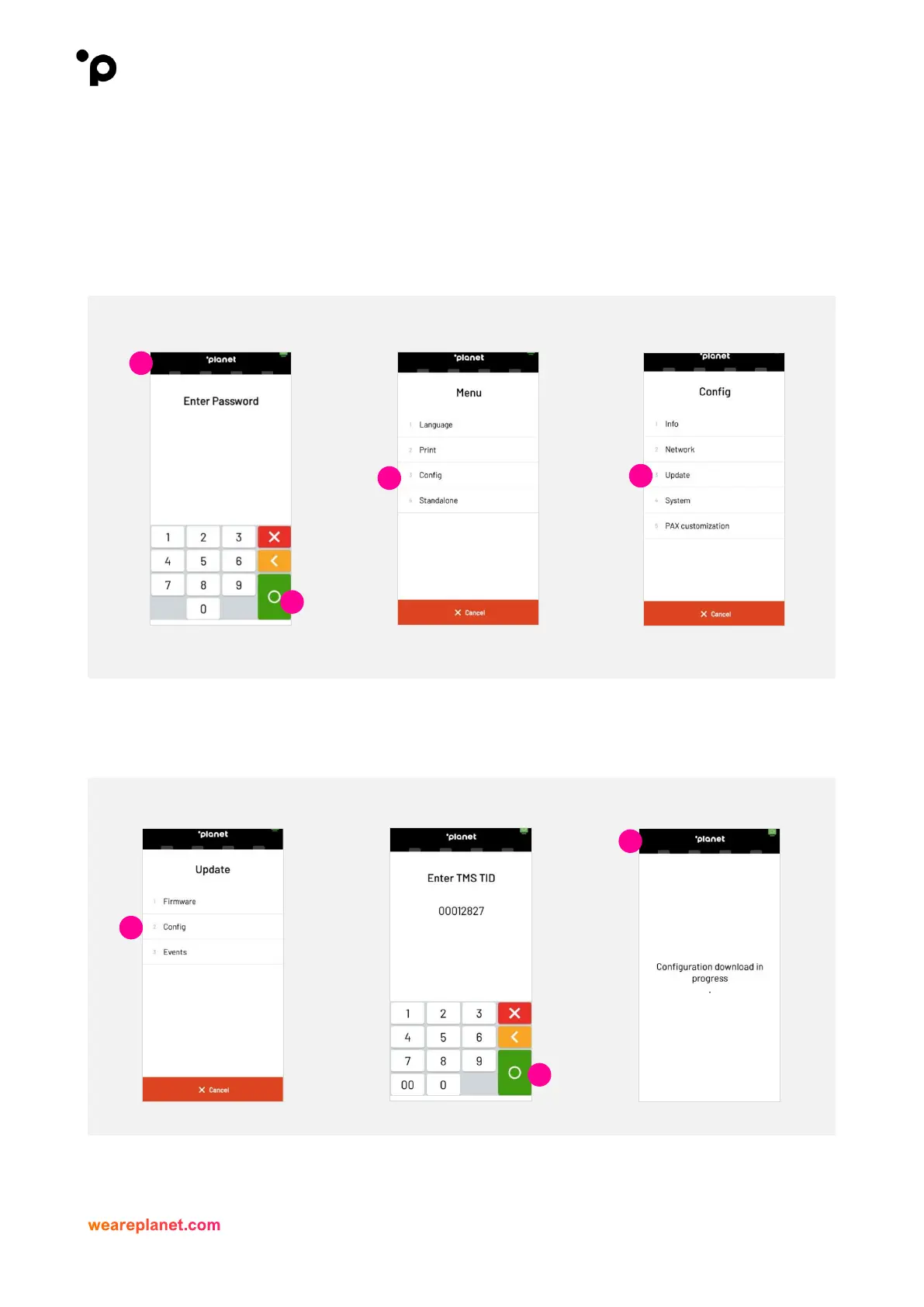
1. To complete a configuration, download the user will need to enter the IntegraTE PAX menu, you
will need to press and hold the ‘Planet' icon at the top of the screen.
2. When “Please Enter Password” is displayed, enter password, and press the green Enter button.
3. Select “Config/Configuration”.
4. Select “Update”.
5. Select “Config”.
6. Verify “TMS TID” and select the green button.
7. Terminal will display “configuration download in progress”.
8. Should your Terminal not have any configuration updates available it will display “No new
configuration available”.


 To Next Page
 Loading...