Need help?
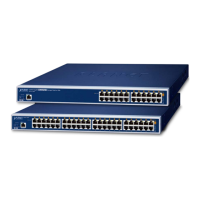
Do you have a question about the Planet POE-2400G and is the answer not in the manual?
Details the key interface, PoE, security, and management features.
Provides instructions for desktop and rack mounting installation.
Explains the methods for managing the PoE+ Managed Injector Hub.
Guides on accessing and starting the initial setup via the web interface.
Settings for firewall, MAC filtering, and certificates for network protection.
Configuration and status monitoring of PoE power delivery features.
System maintenance tasks like firmware upgrade, reboot, and diagnostics.
 General
| MAC Address Table | 8K entries |
|---|---|
| PoE Budget | 370W |
| Dimensions | 440 x 44 mm |
| Power Supply | AC 100-240V, 50/60Hz |
| Jumbo Frame | 9K bytes |
| Operating Temperature | 0 to 50°C |
| Storage Temperature | -40 to 70°C |
| Humidity | 5% to 95%, non-condensing |
| Ports | 24 Gigabit Ethernet ports |


 To Next Page