6
Logging in to the 802.3bt PoE++ Managed Injector Hub
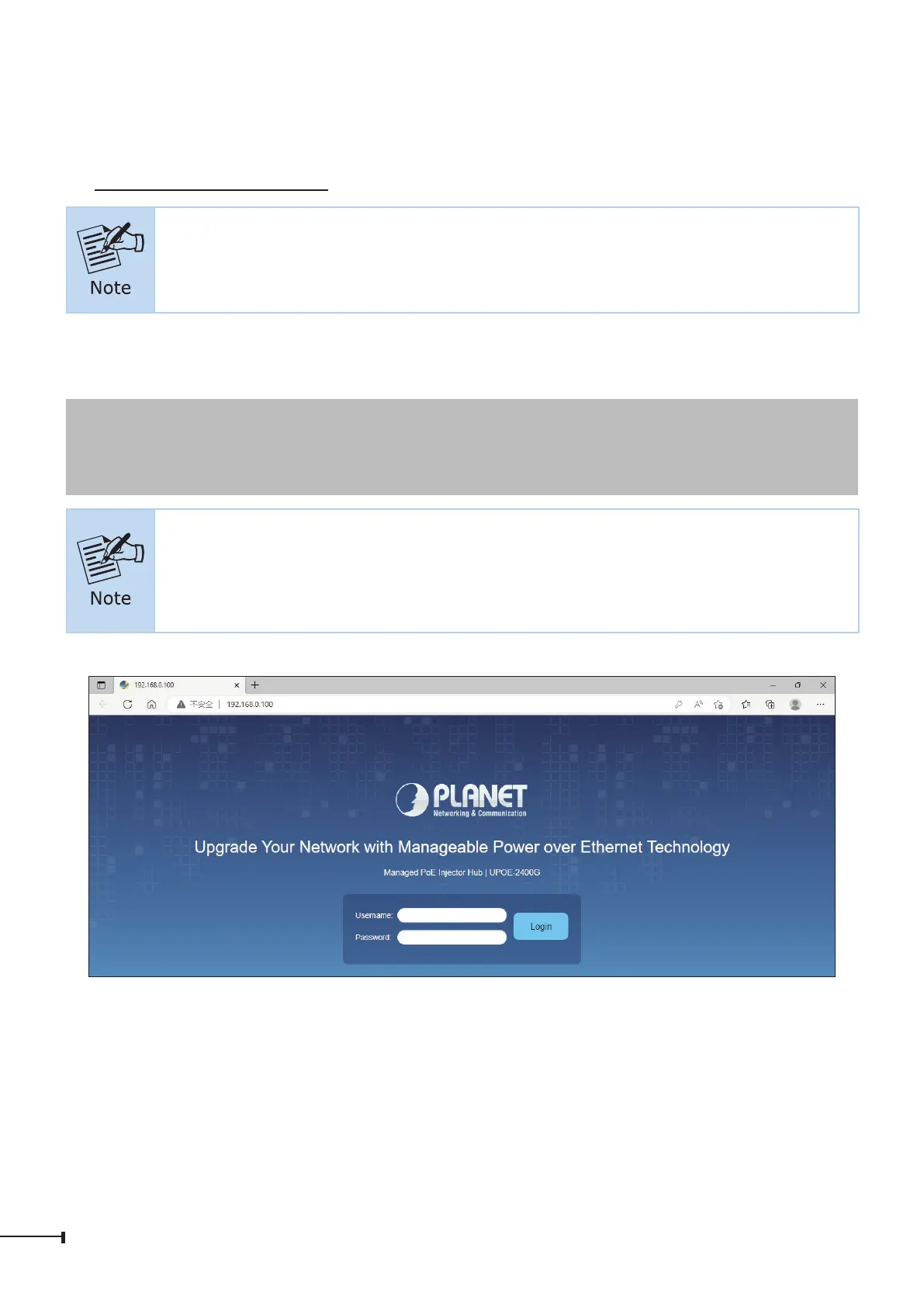
1. Use Chrome 98.0.xxx or above Web browser and enter IP address
https://192.168.0.100 to access the Web interface.
The following web screen is based on the firmware version before March
of 2024.
2. When the following dialog box appears, please enter the default user name and
password “admin”. The login screen in Figure 3-2 appears.
Default IP Address: 192.168.0.100
Default Username: admin
Default Password: admin
The following web screen is based on the UPOE-2400G. The displays of
the UPOE-800G and UPOE-1600G are the same as that of the UPOE-
2400G.
Figure 3-2: Web Login Screen
3. After entering the password, the main screen appears as Figure 3-6 shows.


 To Next Page
 Loading...










