2.5. Enter Administrative Mode
1. Turn of the power.
2. Press the “
” + “
” + ”
” keys and hold till the
<ENGINEER MENU> is shown on the LCD screen. Then release the keys.
3. In approximately 10 seconds, you will enter the main screen of the administrative
mode.
Figure 2.5-1 Administrative Mode
〈
ENGINEER MENU
〉
Enabled Engineer
Mode For MMI/WEB
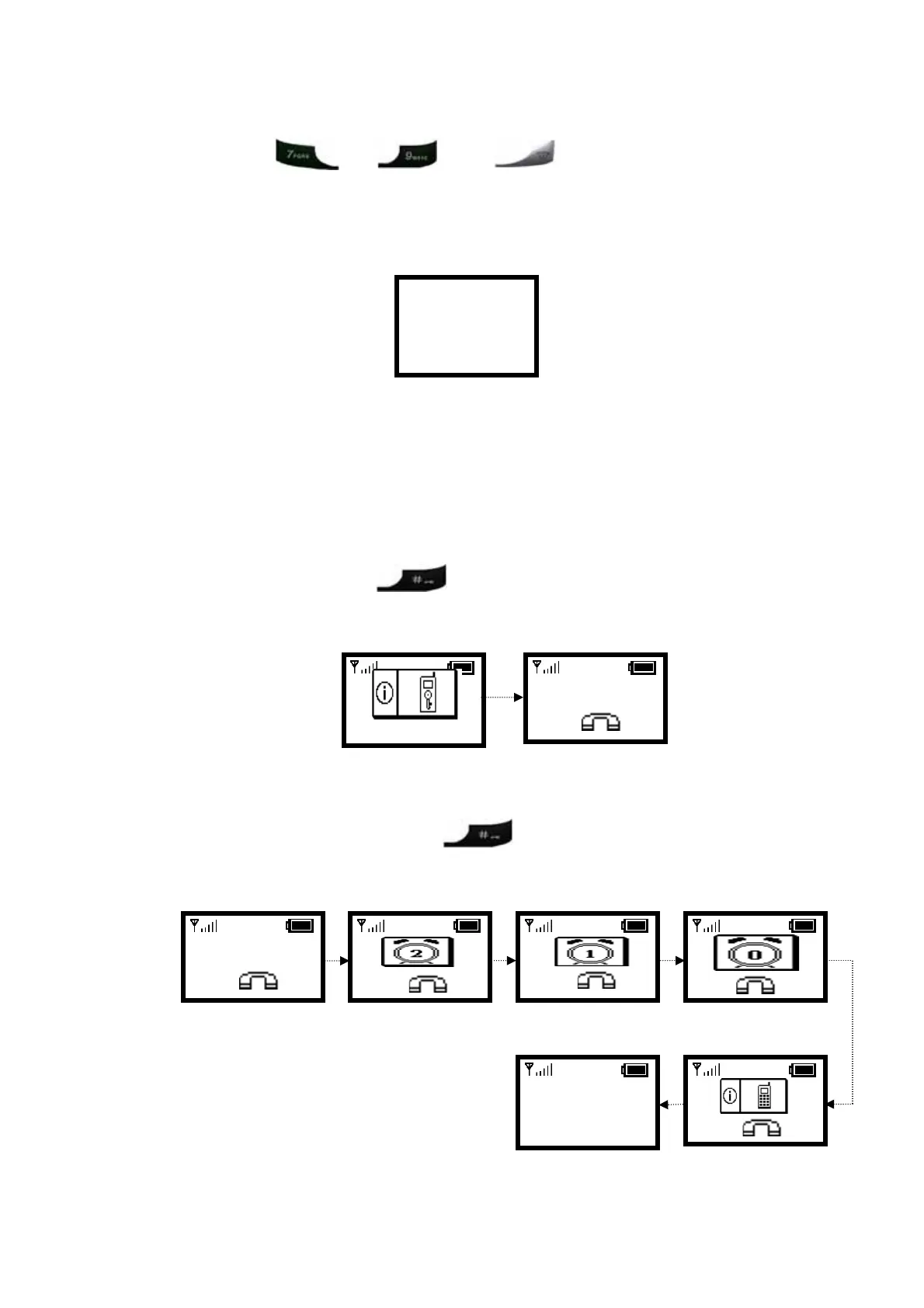
2.6. Locking & Unlocking the Keypad
Follow these steps to lock & unlock the keypad:
1.
In idle state, hold the
key over 2 seconds or wait over 1 minute.
The keypad will be locked, as shown in Figure 2.6-1.
Figure 2.6-1 Keypad Locked
10/20
12:00
X
12:00
WLAN660-user
Not Registered
Menu Names
2.
To release, press and hold the
key for approximately 2 seconds and
the message will appear prompting you to confirm, the procedure like Figure
2.6-2.
Figure 2.6-2 Keypad Unlocked
10/20
12:00
X
10/20
12:00
10/20
12:00
X
10/20
12:00
X
10/20
12:00
X
10/20
Wi-Fi Phone
Not Registered
Menu Names
X
8



 To Next Page