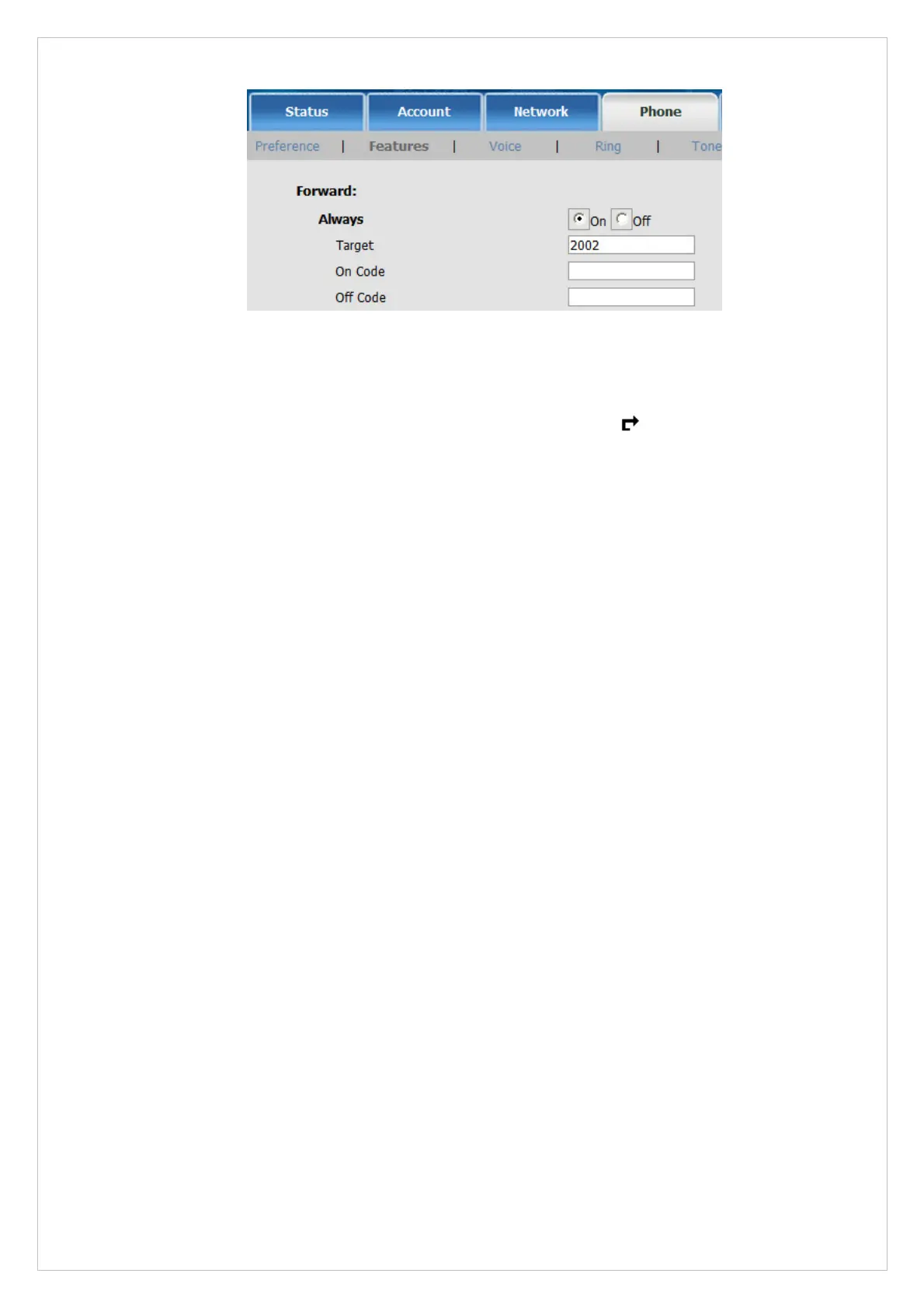
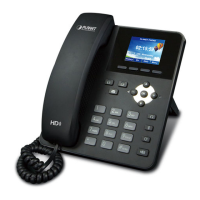
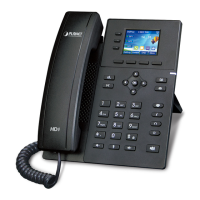
Figure 30. Web page of VIP-255PT
STEP 2:
After set up completed, it will show the always forward icon
on the LCD screen.
Test the scenario:
VIP-255PT_C pick up the telephone and dial the number 1001(VIP-255PT_A), because VIP-255PT_A
had set up All Forward function to the number 2002(VIP-255PT_B), so the number
2002(VIP-255PT_B) will ring up then it pick up the telephone and communication with the number
3003(VIP-255PT_C).
48


 To Next Page