STEP 3:
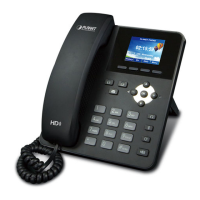
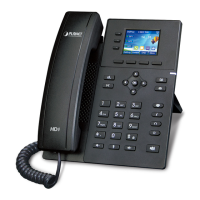
Repeat the same configuration steps on VIP-255PT-B, and check the machine registration
status, make sure the registrations are completed.
STEP 4:
To verify the VoIP communication, please pick up the telephone. Dial the destination number
to make call between SIP clients. For example, VIP-255PT-A (with number 100) with keypad
number 200 to VIP-255PT-B, or reversely makes calls from SIP client (VIP-255PT-B) to the
number 100 (VIP-255PT-A).
Case 2: Call Forward Feature Example
In the following samples, we’ll introduce the Call Forward Feature applications.
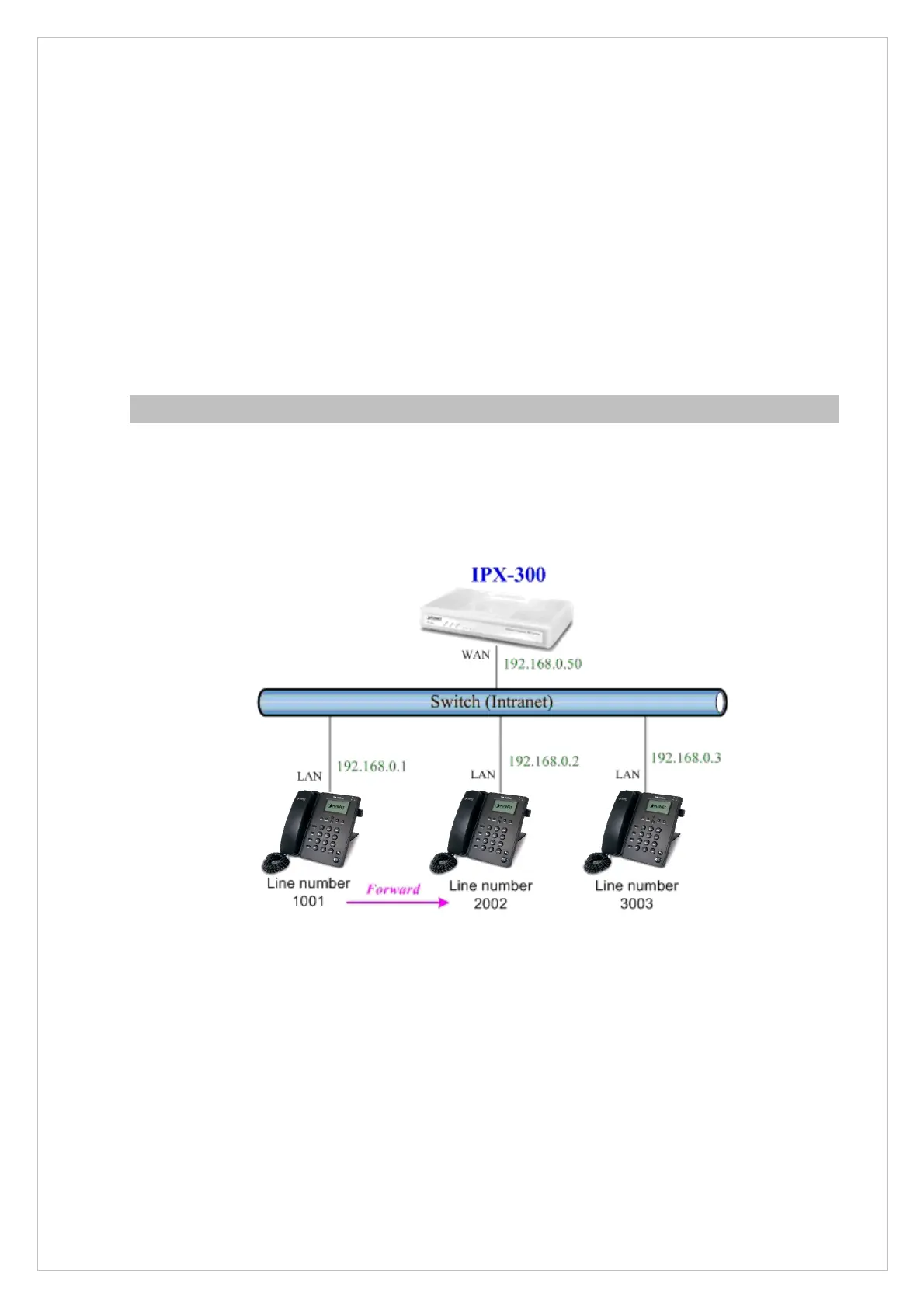
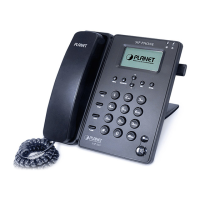
In this example, there are three VIP-255PT register to IPX-300 and VIP-255PT_A had set Call Forward
function to VIP-255PT_B. (The detail registration settings of IPX-300 and VIP-255PT please refer to the
instruction of Case 3)
Figure 29. Installation example with IPX-300
Machine configuration on the VIP-255PT:
STEP 1:
Please log in VIP-255PT_A via web browser, browse to the Phone -> Features setting
menu. In the setting page, please enable the Always Forward function and fill in the
Number of VIP-255PT_B, then the sample configuration screen is shown below:
47
VIP-255PT_A
VIP-255PT_B VIP-255PT_C


 To Next Page