LAN
RJ-45 connector, for Internet access, connected directly to
Switch/Hub through straight CAT-5 cable.
The LAN interface also can be connected with 802.3af PoE switch or
converter for power supply.
DC 5V
5V DC Power input outlet
Handset
RJ-11 connector, connected directly to the Handset.
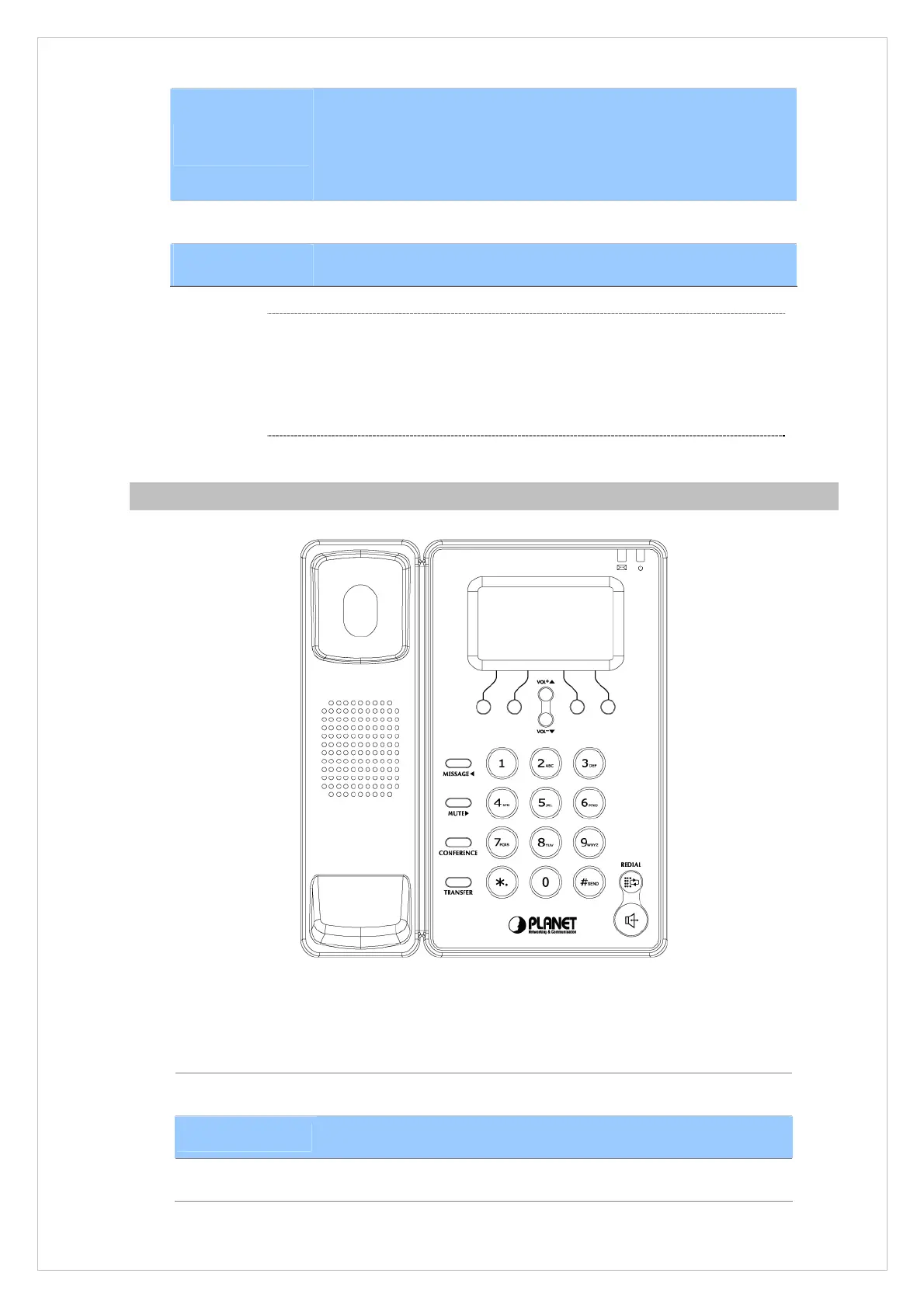
Front View and Keypad function
Figure 1-2. Front Panel
Keypad Description
LCD Display
Menu and all status shall be displayed for users.
Message LED
The LED will be lighted when it receives new message.
Power LED
It will show the power status, it will be on if the phone is powered, off
8
L
Note
Please don’t connect PoE injector and AC adapter to
VIP-255PT at the same time, this may make the effect of
current pulse and then cause device damage. Be noted to power
the SIP IP phone either from 802.3af PoE or AC adapter.



 To Next Page