• Supports standard encryption and authentication (MD5 and MD5-sess)
• The phone can be configured via keypad, web browser or remote.
• Firmware can be upgraded through HTTP, FTP or TFTP.
Package Content
The contents of your product should contain the following items:
SIP PoE IP Phone Unit
Power adapter
Quick Installation Guide
User’s manual CD
Physical Details
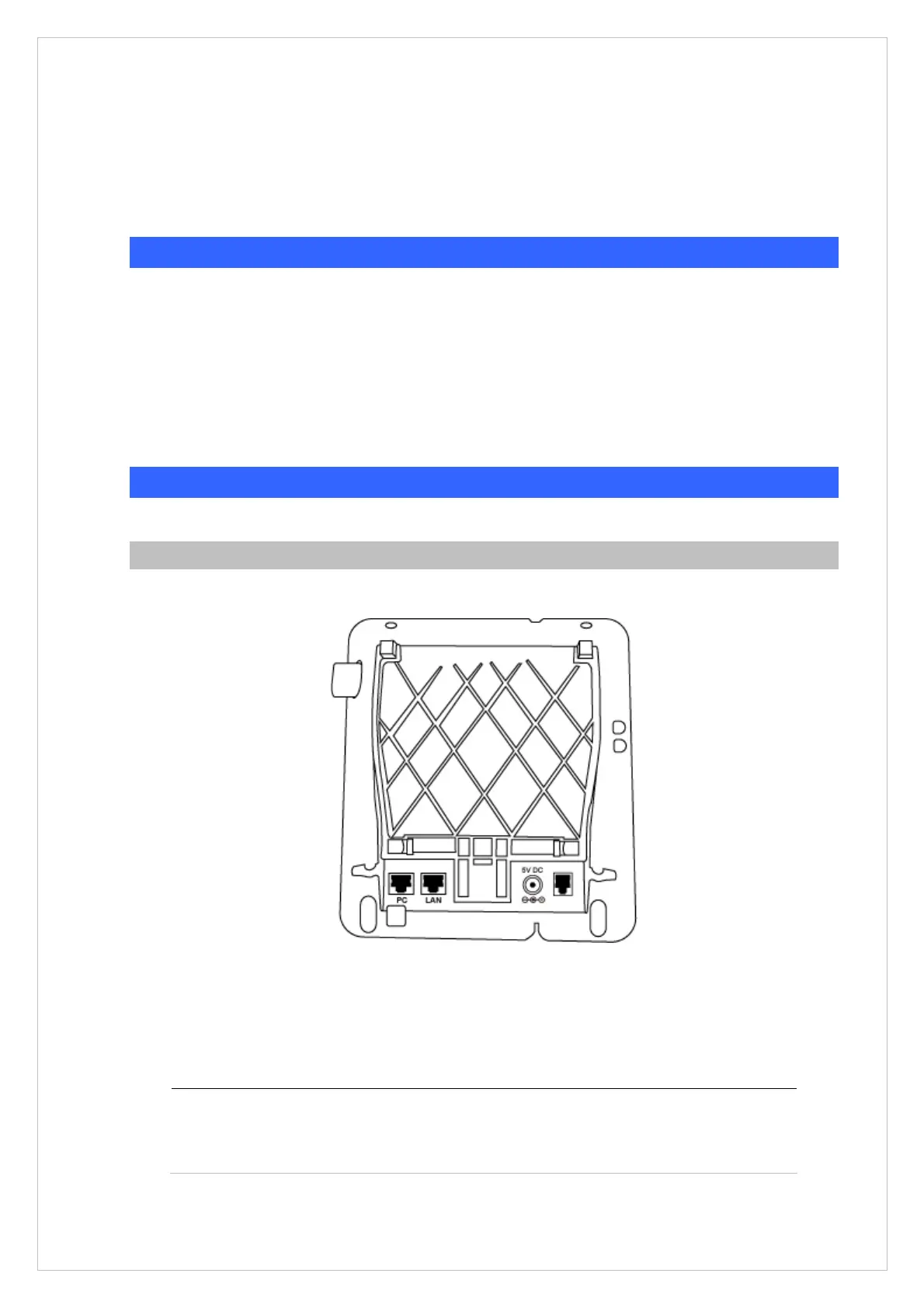
The following figure illustrates the front/rear panel of IP Phone.
Rear View
Figure 1-1. Rear Panel
7
PC
RJ-45 connector, to maintain the existing network structure,
connected directly to the PC through straight CAT-5 cable



 To Next Page