802.3af PoE SIP IP Phone
VIP-256PT
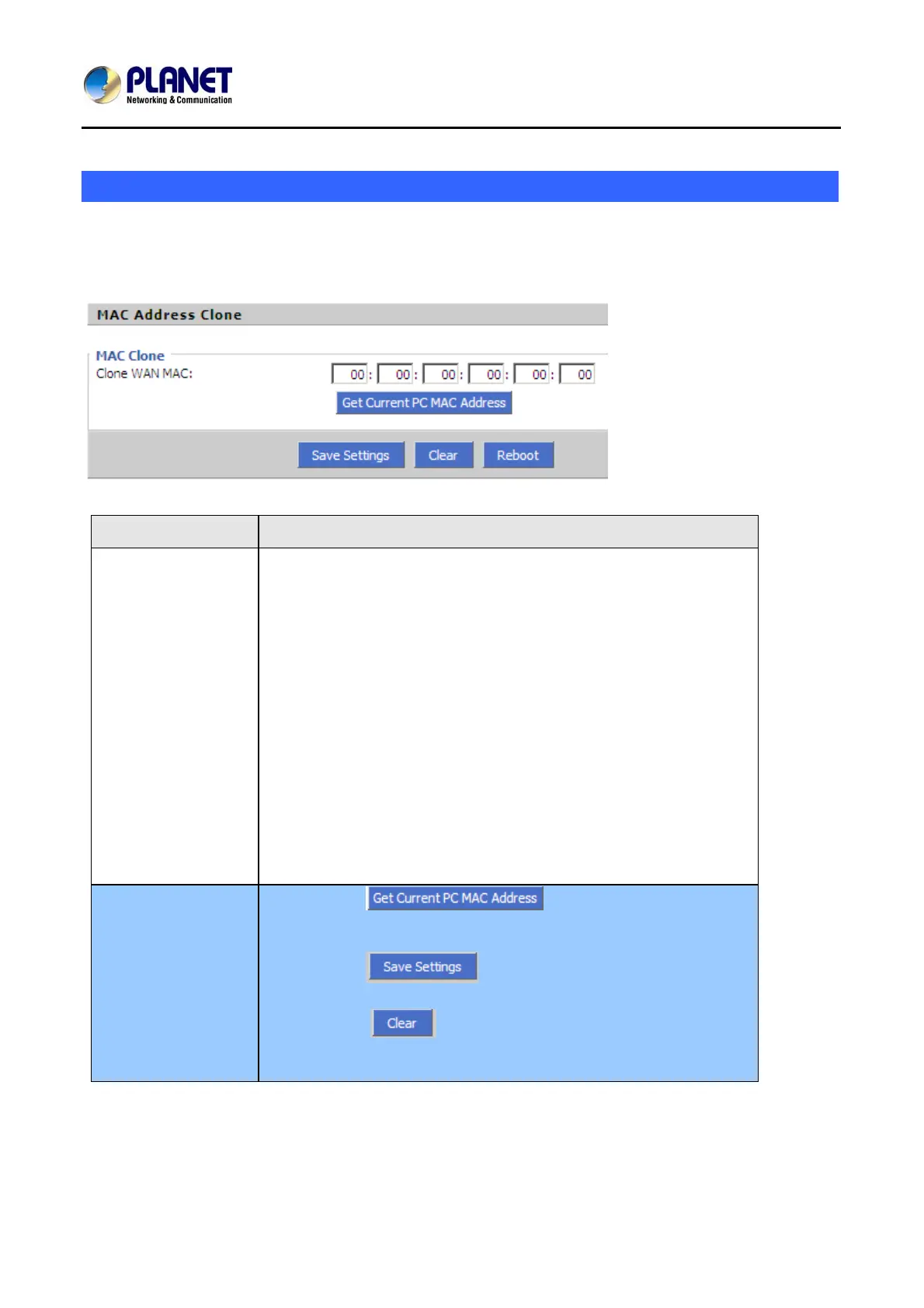
MAC Address Clone
MAC Address Clone: Some ISPs will require you to register your MAC address. If you do not wish to
is registered with your
ISP.
re-register your MAC address, you can have the router clone the MAC address that
D
Item
escriptions
MAC Clone
MAC is the hardware address of network equipment. Sometimes,
netwo rk account with the network
equipm
authenti
use MA
Internet port.
M
rk providers may bind netwo
ent’s MAC address. So you may not pass the provider’s
cation when you use a new VIP-256PT. In this case, you can
C Clone to copy your PC’s MAC address to VIP-256PT’s
C is an important parameter for network equipments, so you should
m t to make VIP-256PT
unusable.
Y
m And then cloning the right MAC or resume the default
se
ake sure that the MAC is right, in order to preven
ou can login VIP-256PT’s Web via PC port if you are incautious to
ake it wrong.
ttings.
MAC Clone Step
Step 1 Press button to get the PC’s MAC
address
Step 2 Press to save the changes
Step 3. Press to cancel MAC address clone.
Step 4. Press Reboot to reboot VIP-256PT.
34



 To Next Page