User Manual of WBS-512AC
-32-
Repeater Mode
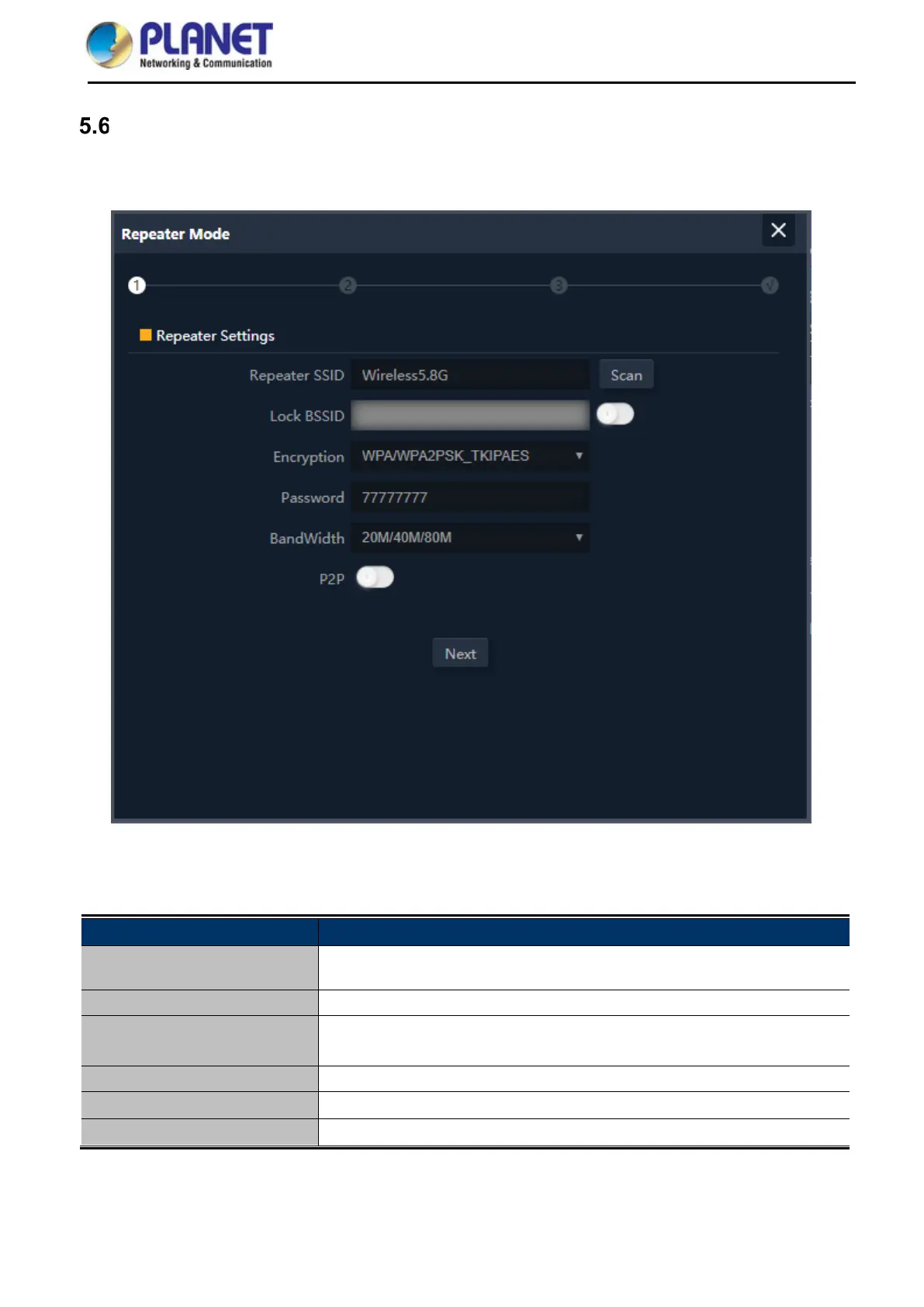
Click “Wizard” “Repeater Mode” and the following page will be displayed. This section allows you to
configure the Repeater mode.
Figure 5-16 Repeater Mode
The page includes the following fields:
Repeater SSID Enter the root AP’s SSID or press “Scan” to select
Lock BSSID
Check to lock the root AP’ MAC address
Encryption
Select the wireless encryption of root AP. The default is
“WPA/WPA2PSK_TKIPAES”
Password
Enter the password of root AP
Bandwidth Select the operating channel width, “20MHz” or “40MHz” or “80MHz”
P2P
Enable switch for Point to Point function



 To Next Page