Initial pairing
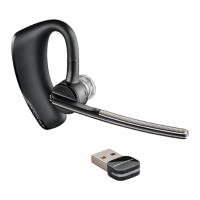
Your Bluetooth USB adapter comes pre-paired to your Voyager PRO UC headset.
To re-pair your Bluetooth USB adapter
In the event that your headset and Bluetooth USB adapter are not paired or become unpaired do
the following:
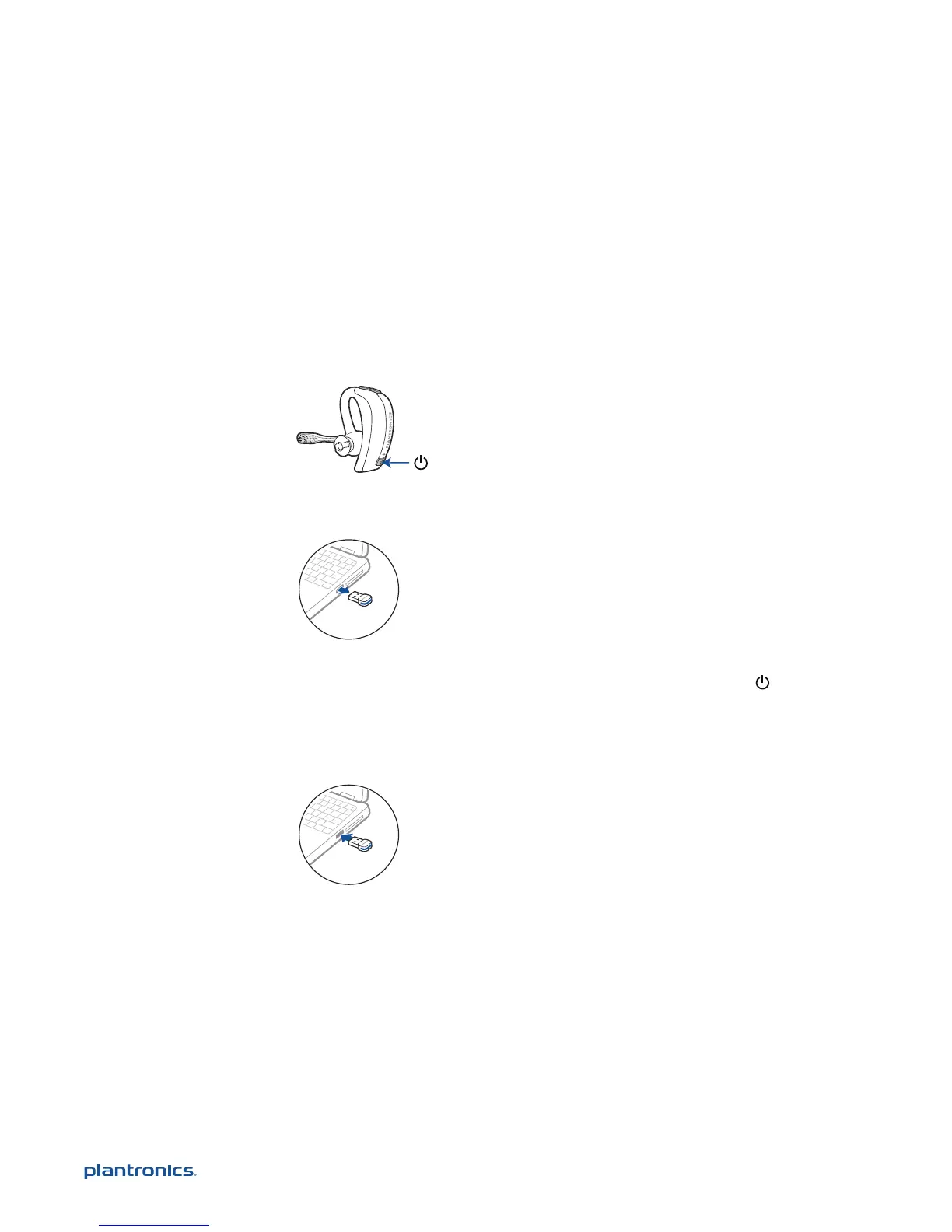
1 Start with the headset powered off.
2 Remove the Bluetooth USB adapter.
3 Place the headset in pairing mode by pressing and holding the power button until the
headset LED flashes BLUE/RED.
4 Insert the Bluetooth USB adapter directly into your PC USB port. The LED will flash and then
turn solid blue to indicate the headset is connected to the Bluetooth USB adapter.
5 Headset will exit pairing mode.
Auto pair
The Bluetooth USB adapter and the headset will automatically pair headset to mobile phone
and PC when headset is on and within range of devices. Voice prompt will announce you are
connected. Voice prompts will also prompt you when you are out of range of devices.
10
Pairing your Bluetooth USB adapter






 To Next Page