6
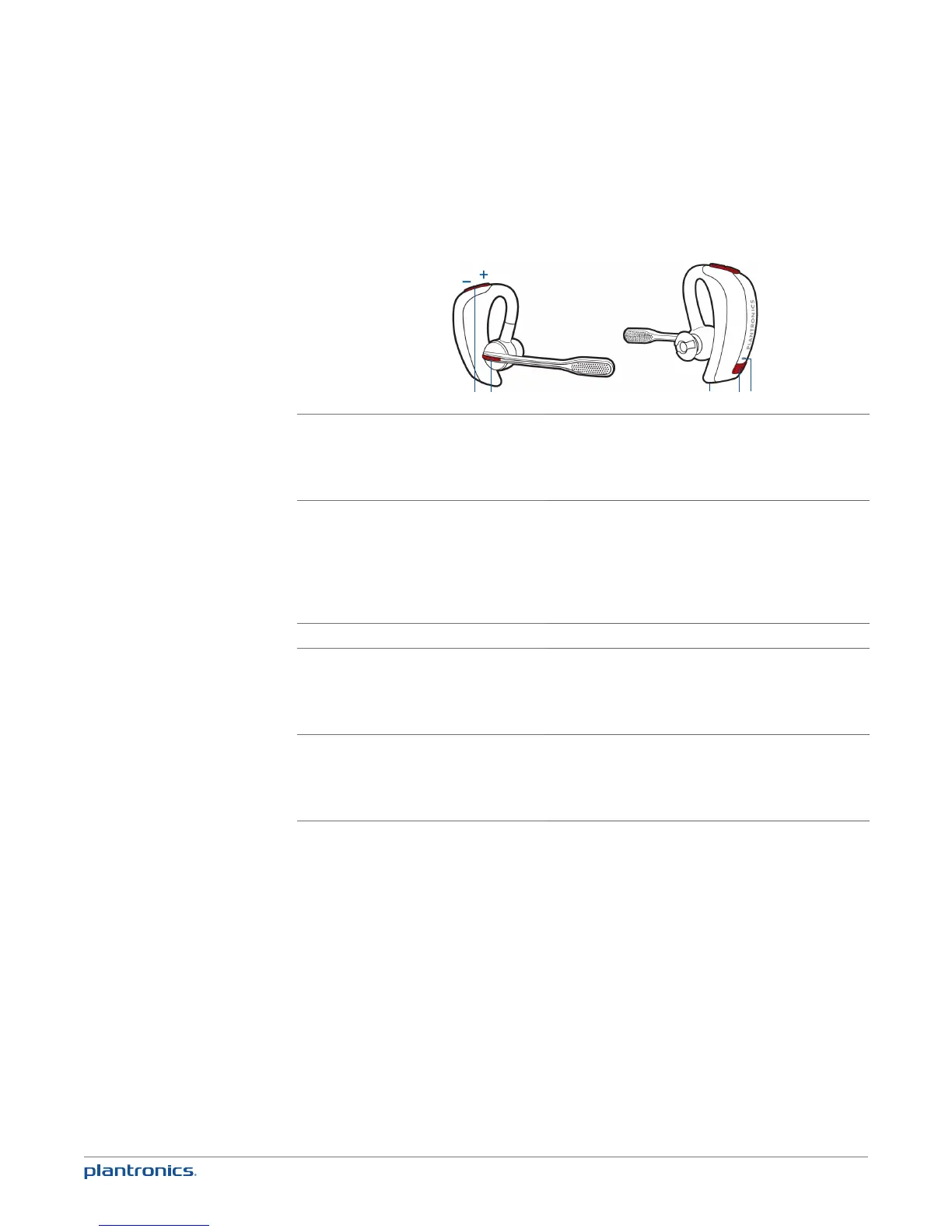
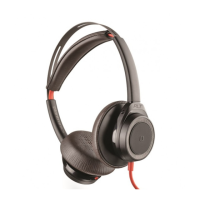
Headset controls
3
4
5
1
2
1 Volume/Mute button
Increase/decrease volume
Mute/unmute mic during a call
Pause/play audio
Tap + or – button to adjust listen volume
1-second press of both + and – buttons
1-second press of both + and – buttons
2 Call button
Answer or end a call (PC or mobile)
Redial
Initiate mobile phone’s voice-dialling*
Reconnect lost connection
* Feature not supported by all mobile phones
1 tap
2 taps
2-second press until tone heard
1 tap
3 Micro USB charging port 90 minutes for full charge
4 Power button
On or off
Talk time voice alert/sensor checker
Activate pairing mode
2-second press
1 tap
With headset off, press until LED flashes red/blue
5 LED
Charging
Battery status
Pairing mode
Solid red. When fully charged, LED is off.
Low = 2 red flashes, Recharge = 3 red flashes
Flashes red/blue






 To Next Page