14
If You Do Not Hear a Dial Tone
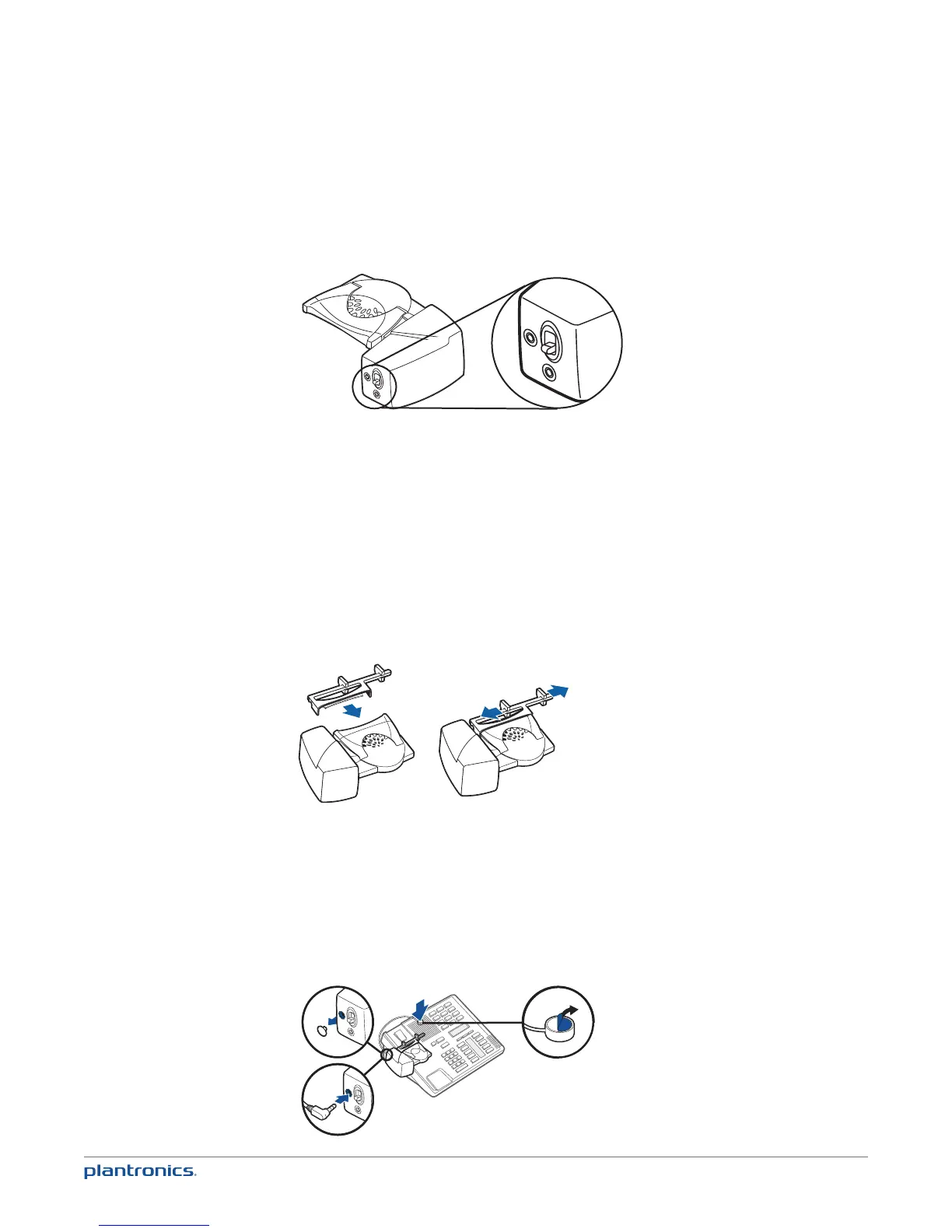
1 If you do not hear a dial tone, raise the lifter height switch to the next highest position.
2 Repeat steps 2 through 5 above as necessary until you hear a dial tone.
3 When you hear a dial tone, secure the lifter as described in steps 6 through 8.
Additional Parts (if required)
Use extender arm when the handset lifter needs additional stability lifting and returning
handset to cradle.
Extender Arm
1 Slide extender arm onto lifter.
2 Stabilizers can be shifted left and right. Position stabilizers on outsides of handset to gently
grip the handset.
1
2
2
Ringer Microphone
Use ringer microphone only when the telephone speaker is not located directly under the
handset.
1 Remove cover from ringer microphone jack on back of lifter.
2 Connect ringer microphone plug.
3 Place ringer microphone over phone speaker. Remove adhesive tape and attach.
1
2
3










 To Next Page