6
Plantronics CS70 Setup Guide
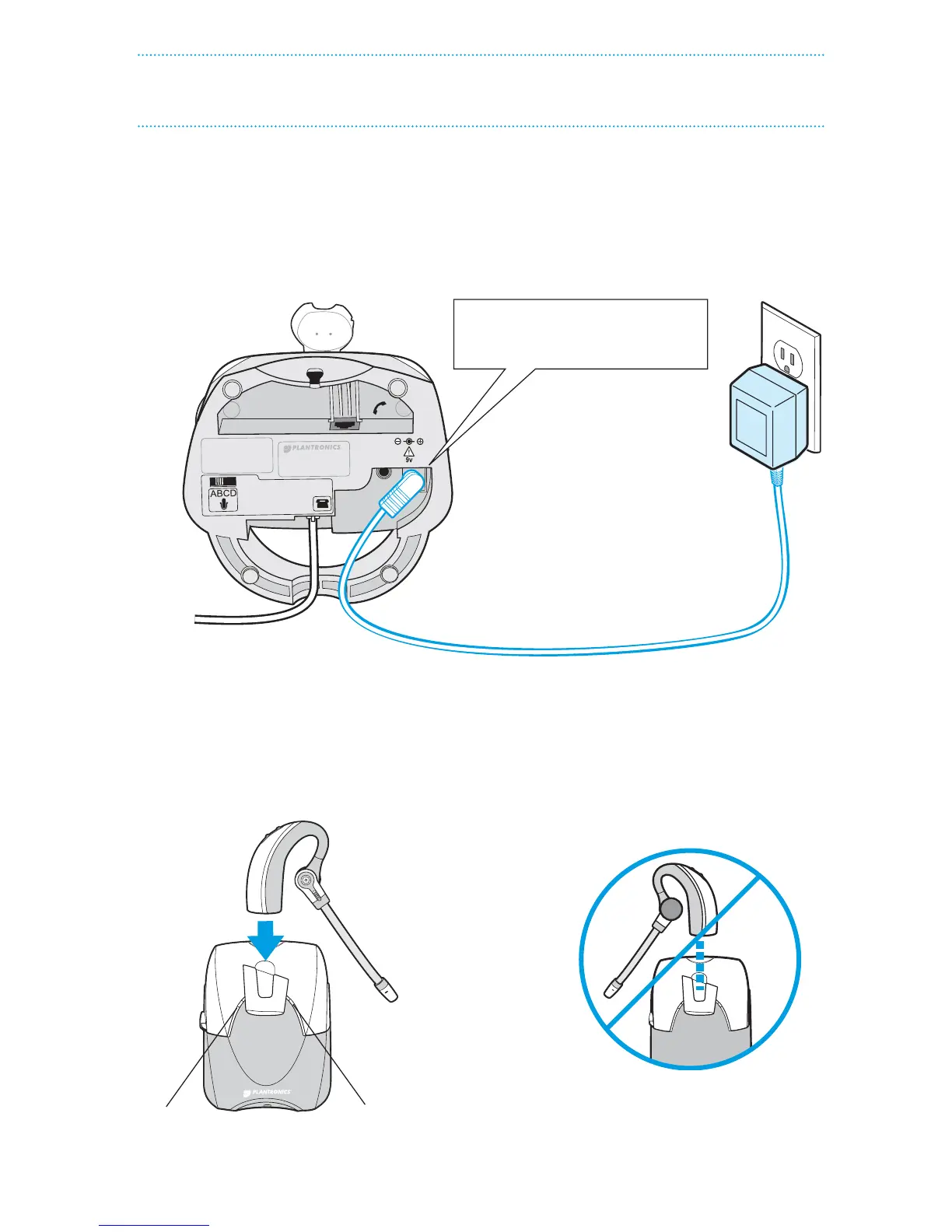
ConneCt Power and Charge headSet
3
S T E P
1. Plug the Base Power Adapter into a wall outlet, then plug the power cord into the yellow
labeled connector on the bottom of the Headset Base. The red Power light on the left
front of the Headset Base will turn on. (See illustration at bottom of page.)
Power
(red)
Charge
Status
(amber)
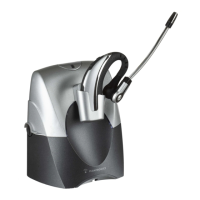
IMPORTANT! Make sure the headset
is facing correctly (as shown at left)
when inserted into the charging cradle.
Insert into yellow labeled power
connection on Headset Base as
shown to charge.
Headset Base
(bottom view)
Base
Power
Adapter
A. Connect Headset Base to power outlet
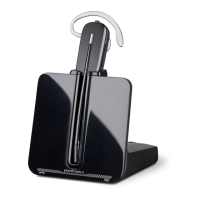
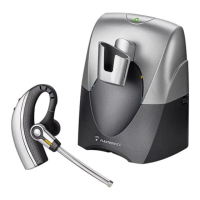
1. Gently push the headset into the charging cradle as shown below. The amber Charge
Status light on the base will ash to indicate the headset battery is charging. A solid
light indicates full charge. A full charge will take approximately 3 hours.
B. Charge the Headset for at least 20 Minutes before using


 To Next Page
 Loading...