STEP 5. Plug the other end of the telephone interface cable into the handset port
on the telephone. Again, make sure it clicks when you plug it in.
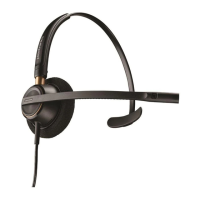
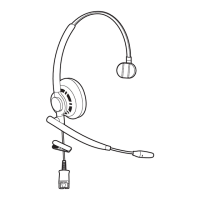
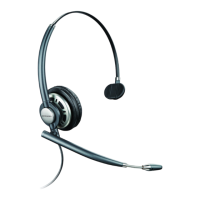
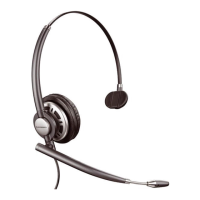
STEP 6. Find the black, flat connector at the end of the HW510 or HW520
headset cord. This is the Quick Disconnect (QD) connector. Plug it into the QD at
the end of the coil cord found on the amplifier base. It only connects one way so
you can’t attach it incorrectly. If the coil cord isn’t attached to your amplifier base,
plug the end of the amplifier coil cord that has a clear plastic clip into the port on
the amplifier that has an icon of a headset.
Your headset is now setup and ready to use.
USING YOUR HEADSET
Now that your headset is setup, here are some step-by-step instructions on how
to use your new Plantronics HW510 or HW520 headset to make a phone call.
STEP 1. Put your headset on and plug the Quick Disconnect (QD) into the QD at
the end of the amplifier coil cord. Make sure it’s connected securely. Check to
see that the end of the microphone is two fingers width from the corner of your
mouth.
STEP 2. Make sure that the headset button on the amplifier is turned on
STEP 3. Take the telephone handset receiver out of the cradle and place it on
the desk.
STEP 4. You should hear a dial tone in your headset earpiece.





 To Next Page