6
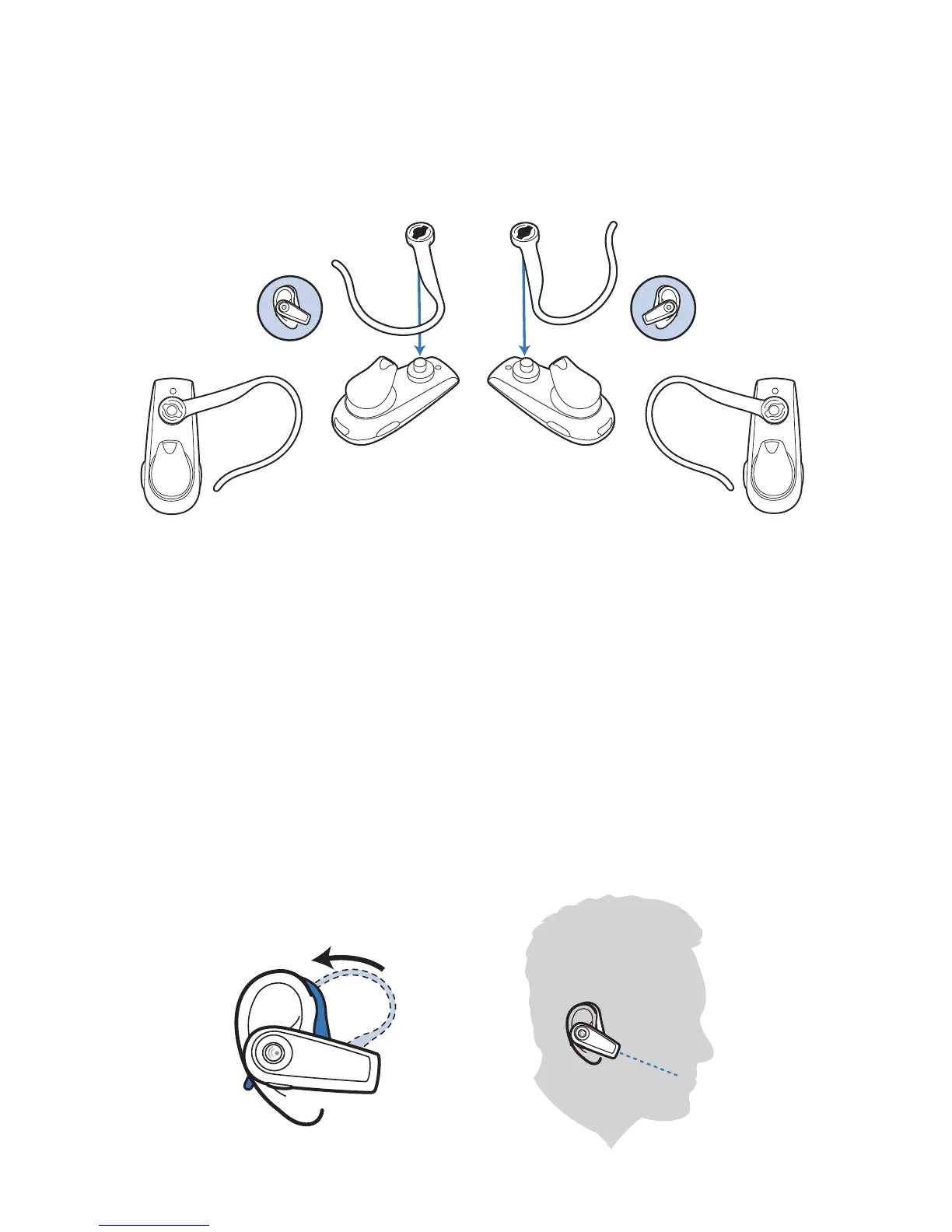
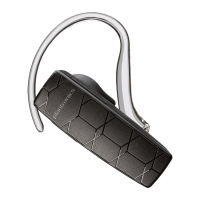
1 To remove the earloop, gently pull up on earloop near the
Plantronics name until you hear a snap. To replace, gently
snap back onto post.
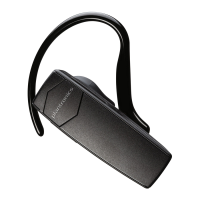
2 Position earloop as shown above.
3 Place the earloop behind your ear.
4 Rotate the headset so that the speaker/eartip rests
comfortably in your ear.
5 Align the microphone with the corner of your mouth.
Callers can hear you best when you point the microphone towards
the corner of your mouth.
Adjusting the Fit
Right Left
22
11
3
4
5






 To Next Page