USE ADVANCED FEATURES
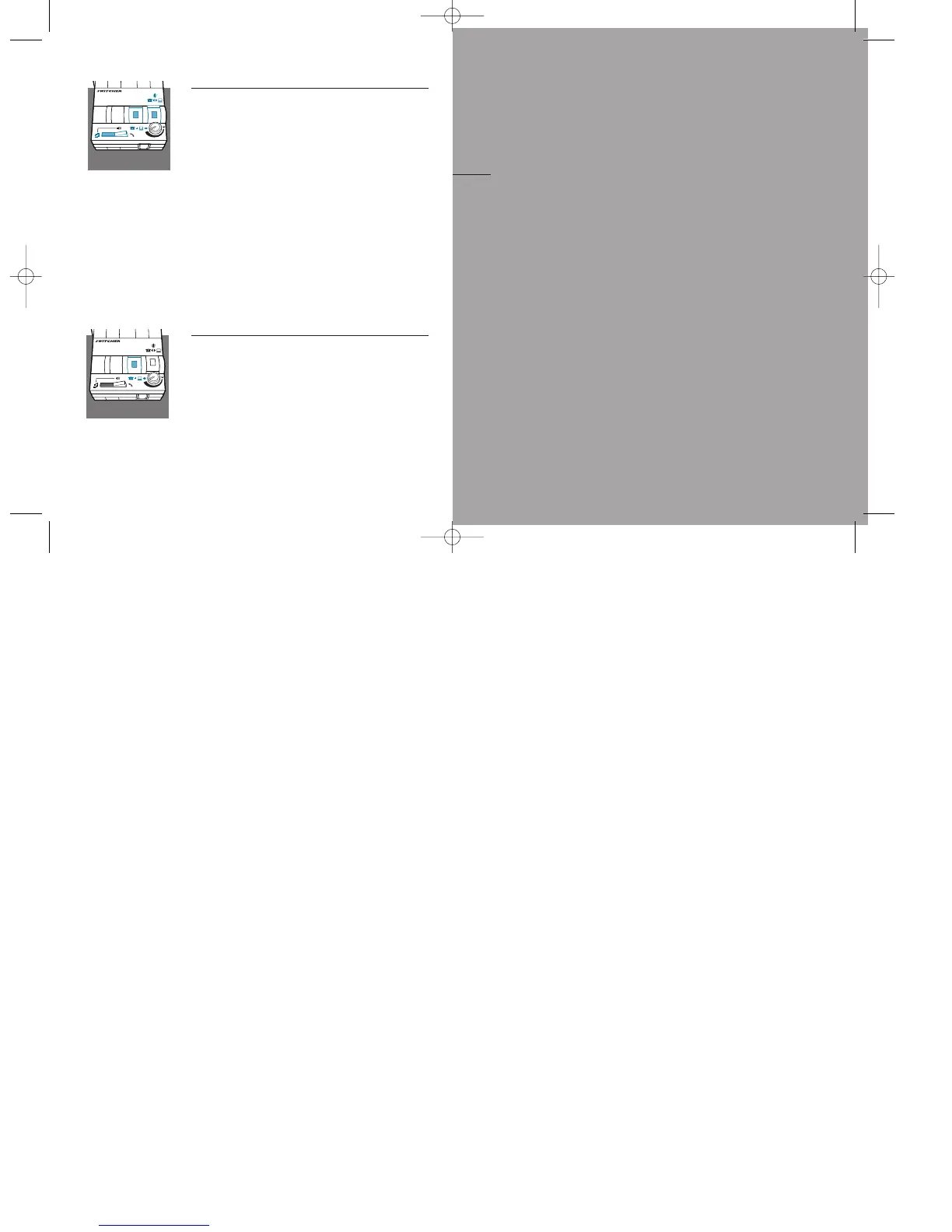
Recording and Playing Outgoing Messages and
Music
1.
Switch the Headset/Handset selector to Headset.
Depress the Telephone/Compute
r Audio Switch
(colored indicator showing),and the
Microphone Selection Switch (colored indicator
showing).
2 Use your audio device to control recording,play-
back and volume.
3 To interrupt or take over the phone call,simply
release the Microphone Selection Switch (no
colored indicator showing).
Note: Some computer soundcards have
“local loop back,” which means your callers
can hear what you’re saying. Do not assume
that your caller can not hear you.
Recording a Call
1.Depress the Telephone/Computer Audio Switch
(colored indicator showing) and make sure the
rest of your settings are in default.
2.Record using your external audio device.Your
side of the conversation may be quiet depend-
ing on the make and style of your phone.
Note:To control recording volume,consult your
audio device user manual.
english16 17
maintenance
and troubleshooting
A
SECTION



 To Next Page