Plantronics Savi User Guide 7
2.3 Fitting Headset
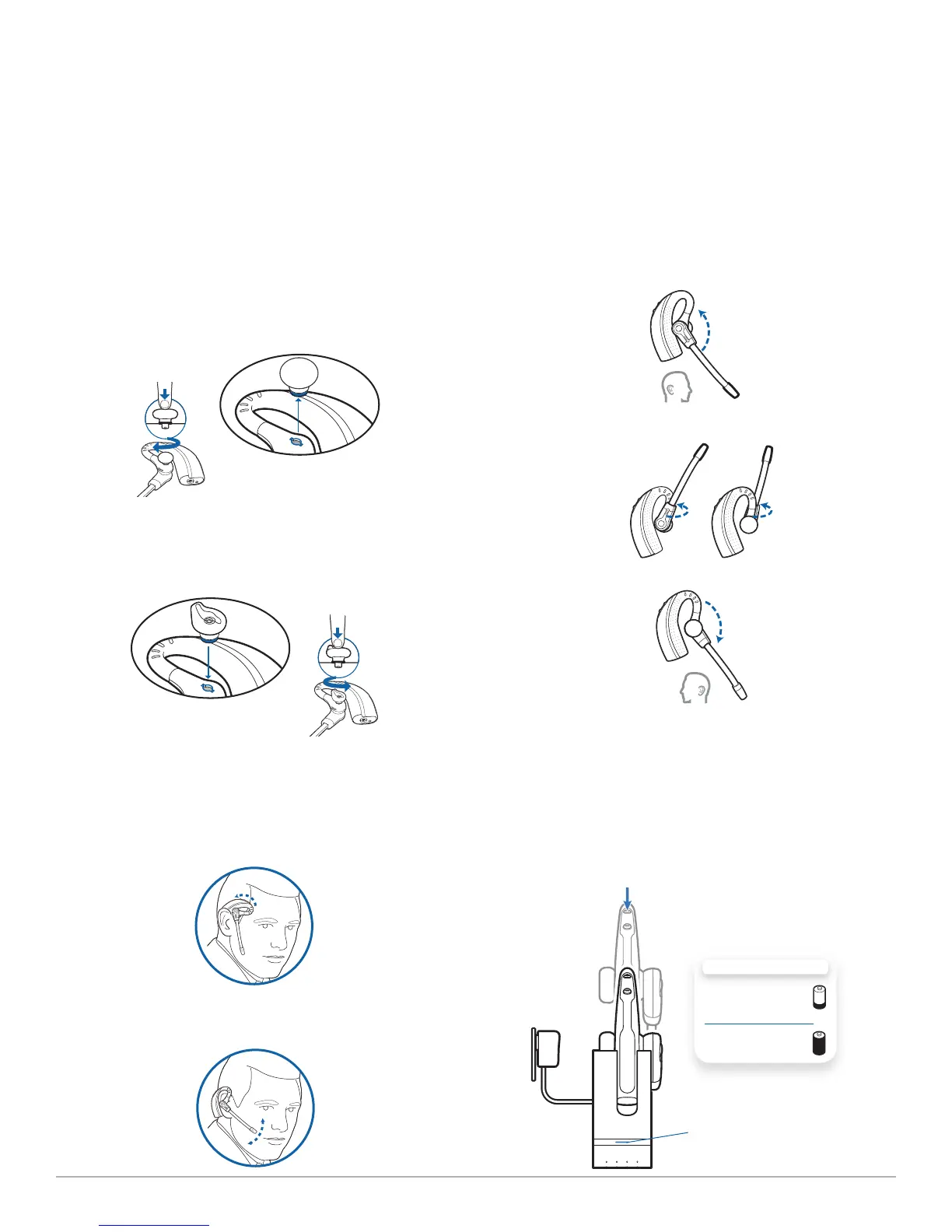
The headset comes with a pre-installed medium eartip. To install a
different eartip see the following:
1 Remove the pre-installed eartip by pushing in and
turning the eartip CLOCKwise, then pull firmly.
2 Choose the size and style of eartip that fits most
comfortably. Align eartip tabs with notches in headset.
Push in firmly and twist COUNTER clockwise.
NOTE When installing a gel tip ensure the raised part of the eartip
is pointed toward the curved section of the headset as shown.
3 Slide the headset over and behind your ear, then press
gently toward your ear.
4 Rotate the microphone boom until it is pointed toward
your mouth.
5 The headset can be converted for wearing on left ear as
follows:
a. Rotate the microphone boom up.
b. Turn microphone boom around.
c. Rotate microphone boom down.
2.4 Docking and charging headset
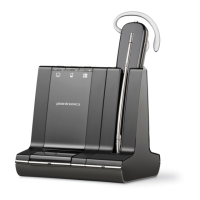
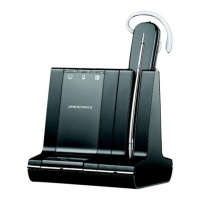
1 Gently push the headset into the charging cradle.
The charging indicator light on the charger base will flash
green to indicate that the headset battery is charging.
2 Charge for at least 20 minutes prior using for the first time.
A full charge takes 3 hours. The indicator light will turn solid
green..
Charging
Indicator Light
CHARGING TIME
20 min .....................
Minimum charge
before first use
3 hours ...................
Full charge




 To Next Page