Plantronics Savi User Guide 9
Muting a Headset During a Call
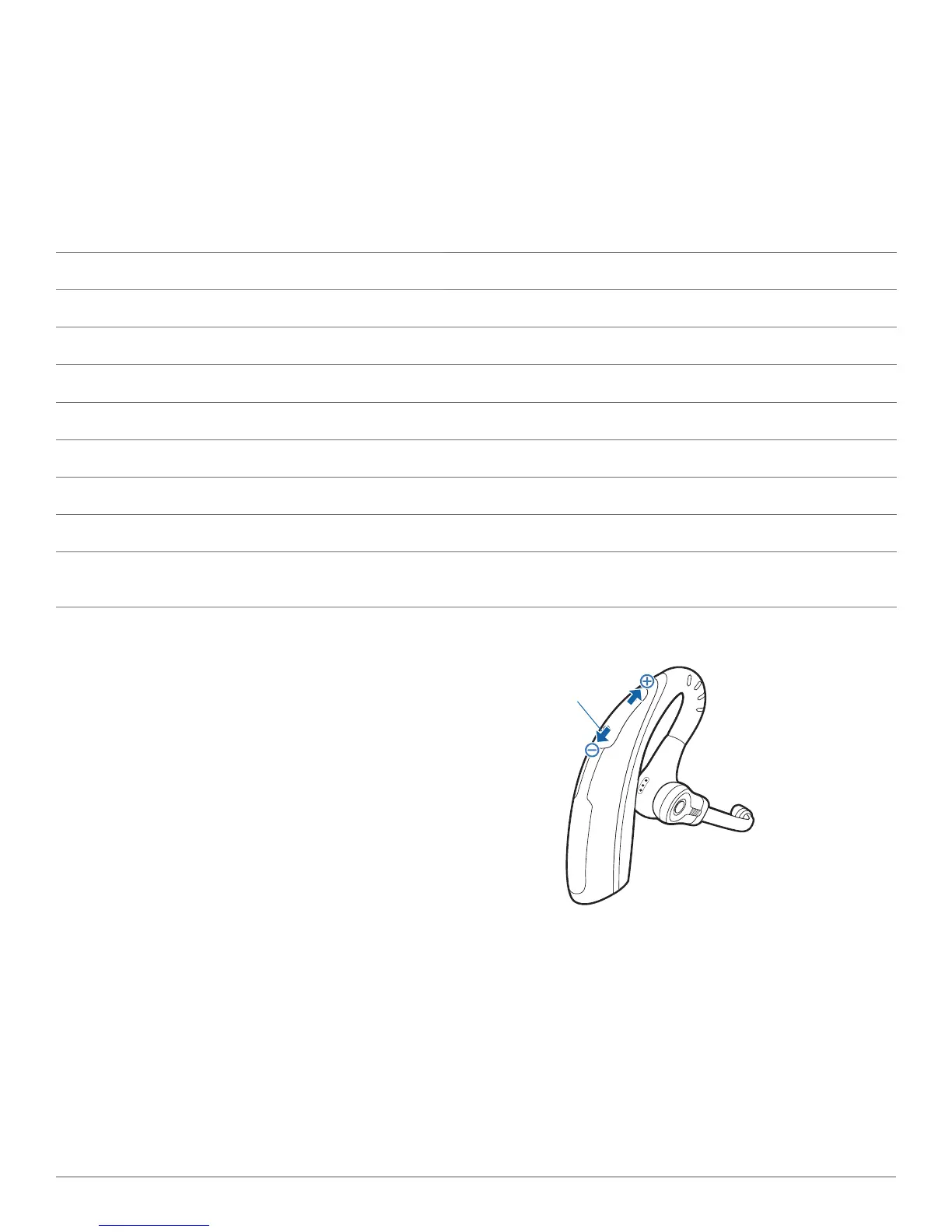
To mute/unmute a call, press and hold the volume down button
for at least 1½ seconds.
USB Adapter Indicator Light
USB Adapter Status Indicator Light
Headset in talk mode Flashes green
Headset is muted Flashes red
Incoming call Flashes red and yellow
Adapter and headset subscribing Flashes red and green
Headset subscribed, no activity Solid green
Powered on - headset not subscribed Solid red
USB adapter is in conference mode subscription Flashes green and yellow
On a conference call with one or more guest headsets
subscribed
Flashes yellow
Volume Down
Button
4 System Information




 To Next Page