3
en
Welcome
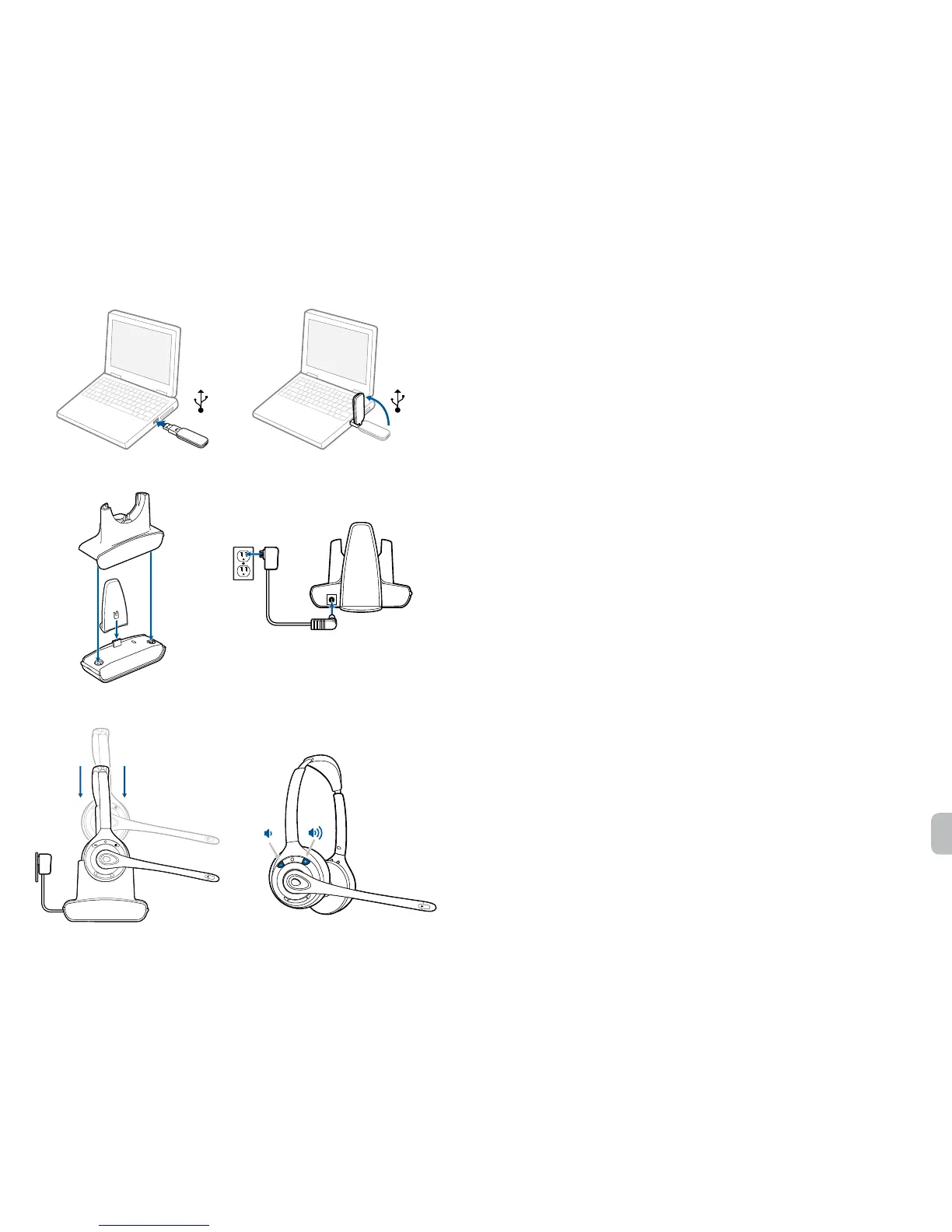
Congratulations on purchasing your new Plantronics product. This Quick Start Guide contains
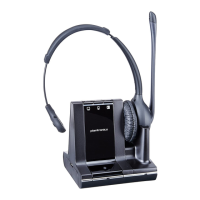
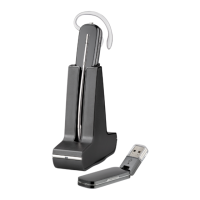
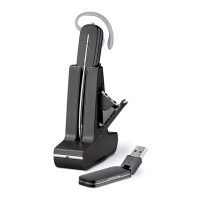
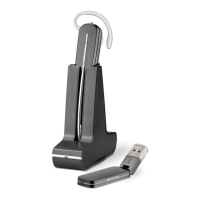
instructions for setting up and using your Savi W410/W420 (D100 + WH300/350 Headset) Wireless
Headset System.
Please refer to the online safety instructions at http://docs.plantronics.com/savi-400 for important
product safety information prior to installation or use of the product.
System Requirements
The minimum system requirements for Savi W410/W420 are as follows:
• SupportedOperatingSystems:WindowsXP
®
, Windows Vista
®
, Windows
®
7
• Processor:400MHzPentium
®
processororequivalent(Minimum);1GHzPentiumprocessoror
equivalent (Recommended)
• RAM:96MB(Minimum);256MB(Recommended)
• HardDisk:280MB(Minimum);500MB(Recommended)
• Display:800x600,256colors(Minimum);1024x768highcolor,32-bit(Recommended)
• InternetExplorer
®
V6orbettermustbeontheuser’ssystem(Required)
Complete User Guide and Plantronics Software
We highly recommend that you refer to the complete user guide located at
http://docs.plantronics.com/savi-400. The user guide provides full details on how to use your
system.
We also recommend that you install the Plantronics software located at plantronics.com/software.
With it installed you can:
• Remotelyanswerincomingsoftphonecalls
• CustomizeyourheadsetandUSBadaptersettingstoyourpersonalpreferences
• AutomaticallymanageyourPCmultimediasoyounevermissacall
• Quicklyaccesslinkstoproductsupportandsoftware/rmwareupgradeinformation
Registering Your Product
Visit plantronics.com/productregistration to register your product online so we can provide you with
thebestserviceandtechnicalsupport.
Getting Assistance
ThePlantronicsTechnicalAssistanceCenterisreadytoassistyou.Youcanndanswersto
frequently asked questions, ask a question using e-mail, receive service over the internet, or speak
directly with a representative. Visit plantronics.com/support.
1
2.2
1.2
3
4.6
4
2
2.3




 To Next Page