- 15 -
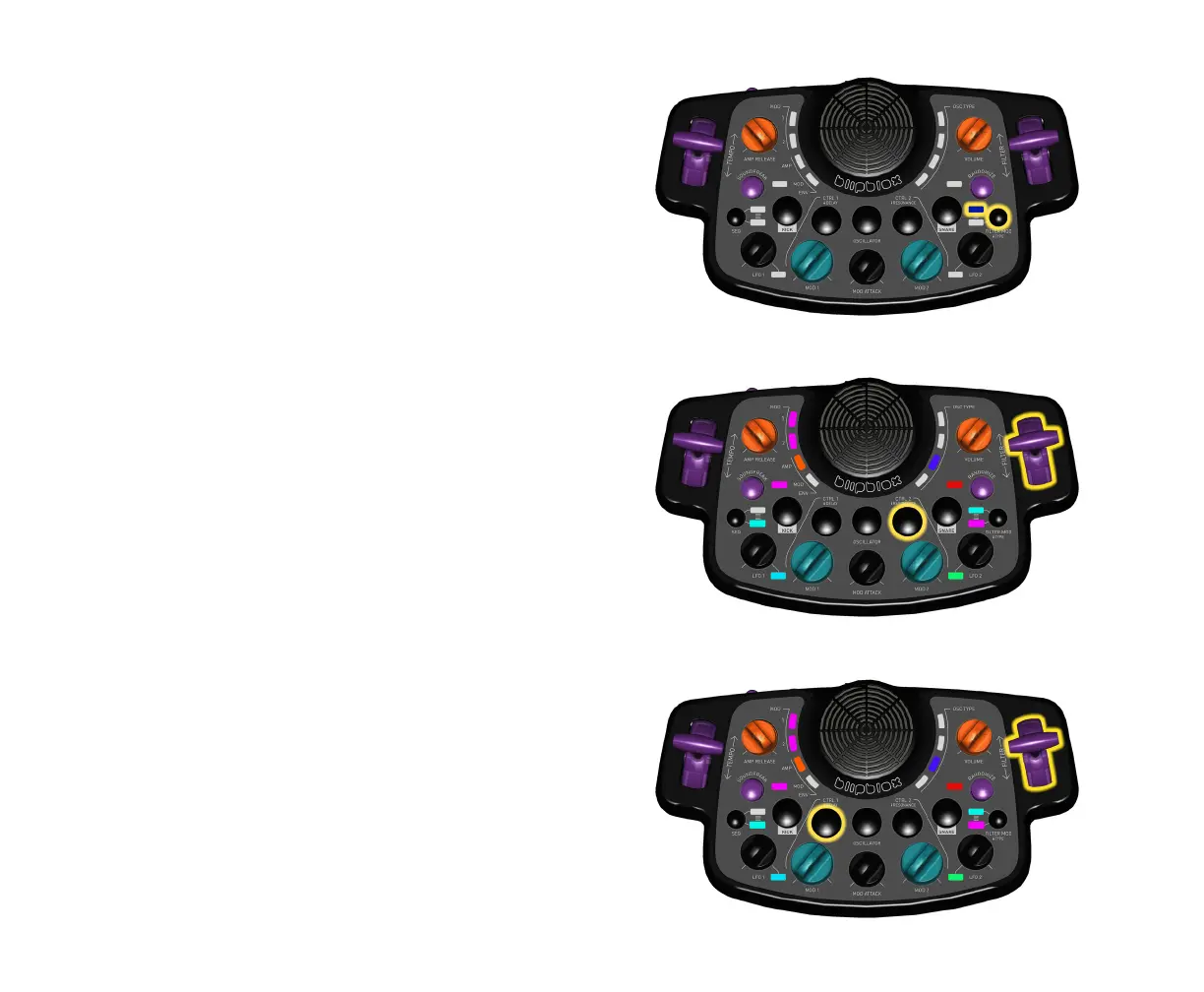
Select Filter Type
r Press and hold the FILTER MOD button to toggle
between filter types.
Low-pass = Dark Blue
Band-pass = Aqua
High-pass = Green
Adjust Filter Resonance
r Press and hold the CTRL 2 button, then move FILTER
lever forward or back to change the amount of
resonance.
Adjust Multi-Tap Delay
r Press and hold the CTRL 1 button, then move FILTER
lever forward or back to change the amount of delay.


 To Next Page