6
STANDBY ERROR
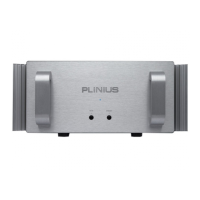
AMPLIFIER FEATURES – FRONT PANEL
F
RONT
P
ANEL
L
AYOUT
S
HOWING
S
TANDBY
A
ND
E
RROR
LED
S
STANDBY LED
The Standby LED indicates when the amplifier has been put into standby mode by an external processor
(connected to the remote trigger terminals described later). When the Standby LED is on, the external
processor has muted the SB-301 and put the amplifier into power saving low bias mode.
ERROR LED
This LED on the right of the panel will flash only when an error condition has been detected by the SB-301
microcontroller.


 To Next Page