30
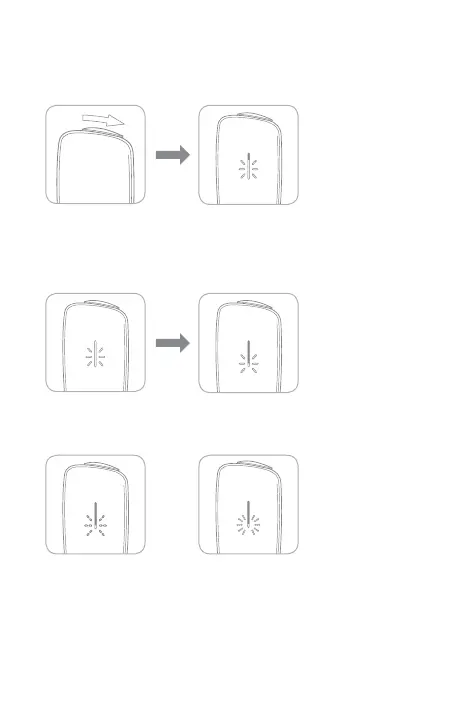
1. Open the Sliding Cover.
The LED will indicate
the remaining battery
level.
Remaining Battery Level Indications
As the remaining battery level decreases, the illuminated area on the LED
becomes shorter.
Remaining battery
level is low
Cannot nish a
single tobacco stick
Flashing 3 times Flashing rapidly
Checking the Remaining Battery Level
•
You cannot check the remaining battery level during heating or use.
•
If the LED ashes 3 times, the remaining battery level is low.
Charging is recommended.
•
If the LED ashes rapidly, the battery is depleted. You cannot nish a single
tobacco stick.
Please charge the device (page 24).



 To Next Page