31
•
Disconnect the USB Type-C Cable before performing cleaning.
•
Never hit or shake the device forcefully to remove fragments of tobacco leaves.
Doing so may cause a malfunction.
•
The device retains heat for a short time after use.
Let the device cool o suciently before performing cleaning.
•
Only use the dedicated Cleaning Stick.
Cleaning is recommended whenever you notice any foreign particles,
stains, etc.
The use of detergents, solvents, or water to clean the device may
cause an unexpected malfunction.
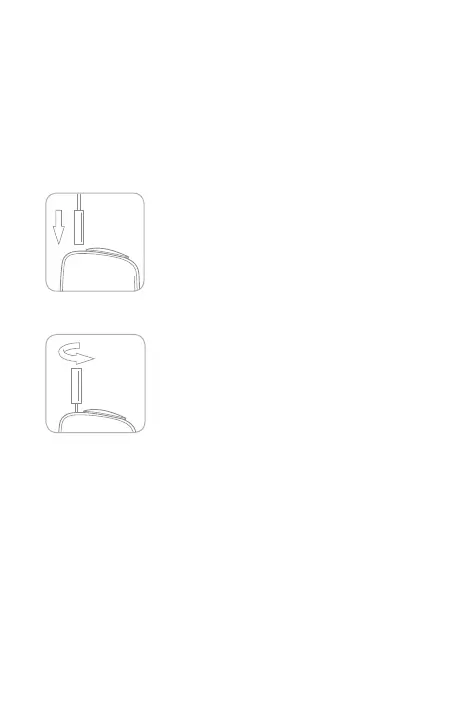
1. Insert the Cleaning Stick.
2. Remove fragments of tobacco leaves, etc.
Rotate the Cleaning Stick to remove fragments
of tobacco leaves, etc.
You can use either side of the Cleaning Stick.
Cleaning



 To Next Page