34
Troubleshooting
Issue Action
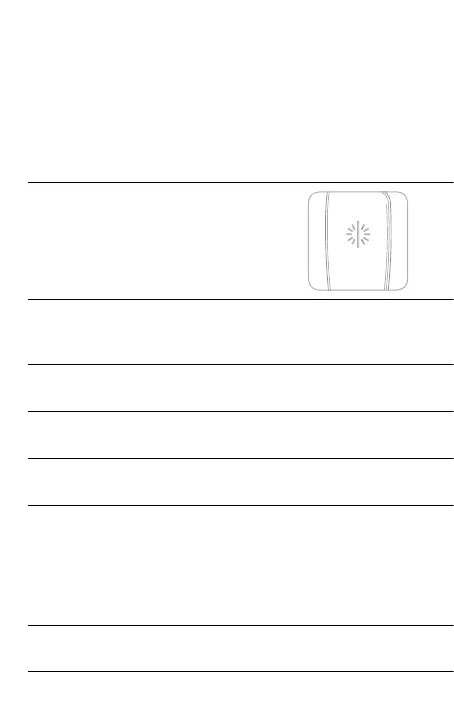
The LED is ashing rapidly. Reset the device (page 36).
If this does not resolve the issue, please contact “Ploom Exclusive
Customer Service” (back cover).
The device doesn't work. Check the remaining battery level (page 30).
If the remaining battery level is extremely low or the battery is
depleted, charge the device.
You cannot charge the device. The device may be malfunctioning.
Please contact “Ploom Exclusive Customer Service” (back cover).
The device has become hot/cold due to the external
temperature, etc.
Wait for the device to return to the operational temperature range
for use.
The device is too hot to hold. The device may be malfunctioning.
Please contact “Ploom Exclusive Customer Service” (back cover).
Part of the tobacco stick is jammed in the Tobacco Stick
Holder of the device.
Perform heating again in the condition with the tobacco stick jammed.
After the heater shuts o, stick a wooden toothpick or similar object
into the jammed tobacco stick and remove the tobacco stick while
pressing it against the side surface of the Tobacco Stick Holder.
Also, if any fragments of tobacco leaves, etc. remain inside the
Tobacco Stick Holder, remove them with the Cleaning Stick.
At least 10 seconds have passed after resetting and the device
is still not working properly.
The device may be malfunctioning.
Please contact “Ploom Exclusive Customer Service” (back cover).
If the device is not working properly or acting strangely, try resetting
it (page 36).
This may resolve the issue.
If resetting does not resolve the issue, check the following items.



 To Next Page