EasyManua.ls Logo

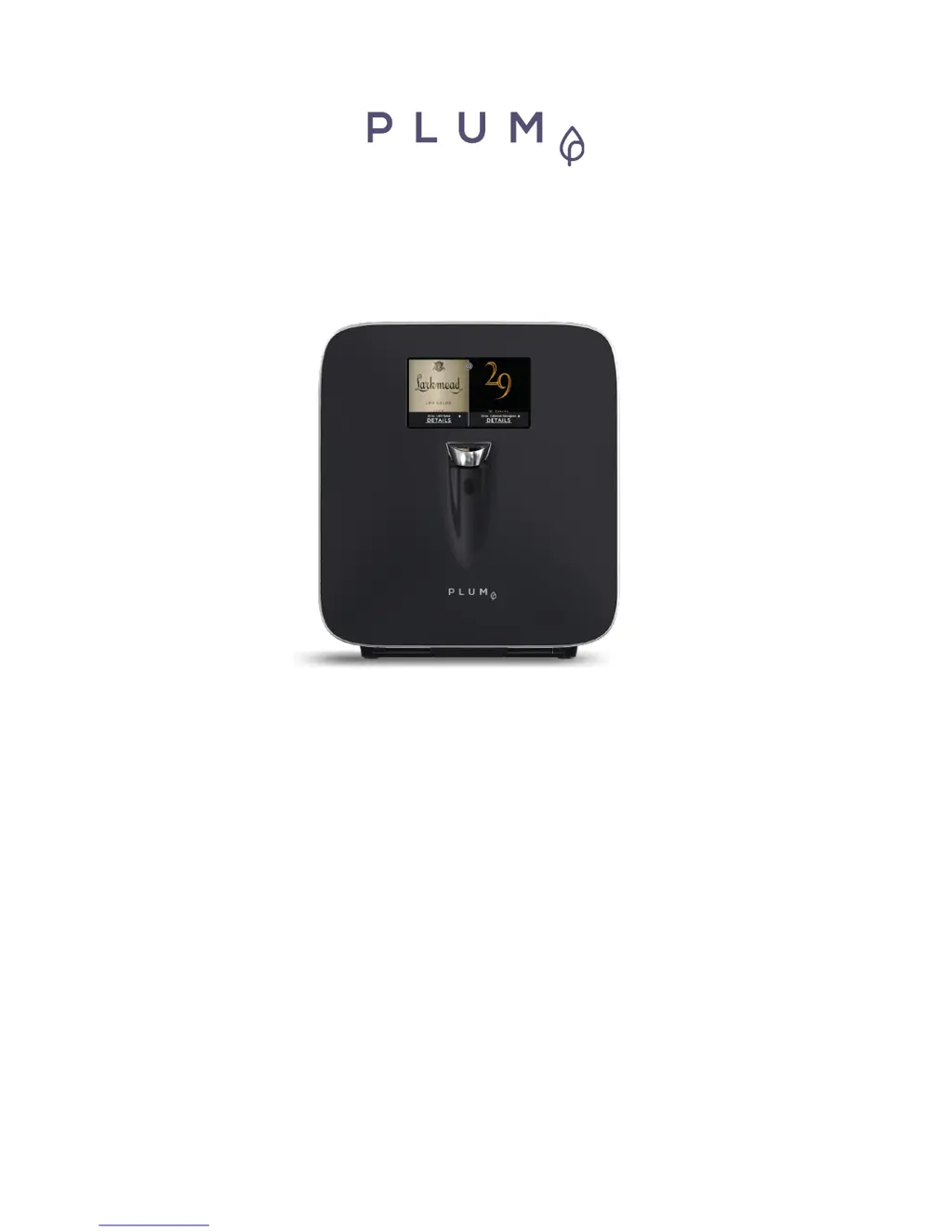
Plum Wine Plum - User Manual

Plum Wine Plum
21 pages
Print Icon
To Next Page IconTo Next Page
Loading...
Plum Setup & User’s Guide v1.5updated July 2017
1
Plum%Setup%&%User’s%Guide%
%
%
%
%
%
%
%
%
%
%
%
%
For%your%safety%and%to%prevent%damage%to%your%Plum,%it%is%important%that%you%read%
these%instructions%befo re%us e.%
% %

Questions and Answers

  • H
    Heidi MonroeAug 2, 2025
    What to do if my Plum Wine Plum Wine Cooler screen says 'Please contact Plum for service'?
    • S
      Sylvia HowardAug 2, 2025
      If your Plum Wine Cooler displays the message 'Please contact Plum for service', it means that the appliance has encountered an error requiring a manual reset or physical service. In this case, you should contact Plum customer support at 844-856-PLUM.
  • S
    Sydney ThompsonAug 12, 2025
    How to fix a Plum Wine Plum Wine Cooler when the screen won’t turn on?
    • B
      Brian WattsAug 12, 2025
      If the screen of your Plum Wine Cooler doesn't turn on, it might be due to the power cord not being properly connected or the power switch not being in the 'on' position. First, check that the power cord is fully inserted into both the Plum Wine Cooler and a working outlet. Also, make sure the power switch is flipped to the 'on' position. If the problem persists, contact customer service.
  • R
    robert83Aug 21, 2025
    Why don’t I hear the cooling working on my Plum Wine Plum?
    • L
      Laura HendersonAug 21, 2025
      If you don't hear the cooling function operating in your Plum Wine Cooler, it could be that your bottle is already at the correct serving temperature, making the cooling process inaudible. To verify, check the touchscreen for a snowflake icon below the wine label, indicating cooling is active. If the icon is visible, place your hand behind the Plum unit on the side you are checking for cooling to feel for airflow. If the snowflake is on but you don’t feel any airflow, contact Plum customer support at 844-856-PLUM.

Summary

Important Safety Notes

Setting Up Your Plum

Location and Environment Setup

Describe placement and cooling requirements for optimal performance.

Power Connection and Startup

Describe power cord connection, outlet requirements, and initial startup.

Internet Connectivity Options

Describe WiFi and Ethernet setup for connecting the appliance.

Plum Web Application Setup

Describe companion app features and account creation for appliance management.

Loading Wine Bottles Correctly

Detail how to insert bottles correctly for label identification and preservation.

Daily Operation of Your Plum

Wine Bottle and Closure Compatibility

Specify compatible bottle sizes and types of closures for use with Plum.

Automatic Cooling and Temperature Control

Explain automatic cooling and how to manually adjust serving temperatures.

Removing Bottles and Wine Handling

Guide on removing bottles, including potential wine leakage and pressure.

Adding and Replacing Wine Bottles

Steps for inserting new bottles after finishing one.

Customizing Your Plum Settings

Adjusting Pour Sizes

Customize taste and glass pour volumes.

Setting Wine Serving Temperatures

Set specific serving temperatures for different wine varietals.

Maintaining Your Plum Appliance

Troubleshooting Common Issues

Plum Technical Specifications

Plum Wine Plum Specifications

General IconGeneral
BrandPlum
ModelWine Plum
CategoryWine Cooler
LanguageEnglish