18 19
9
)
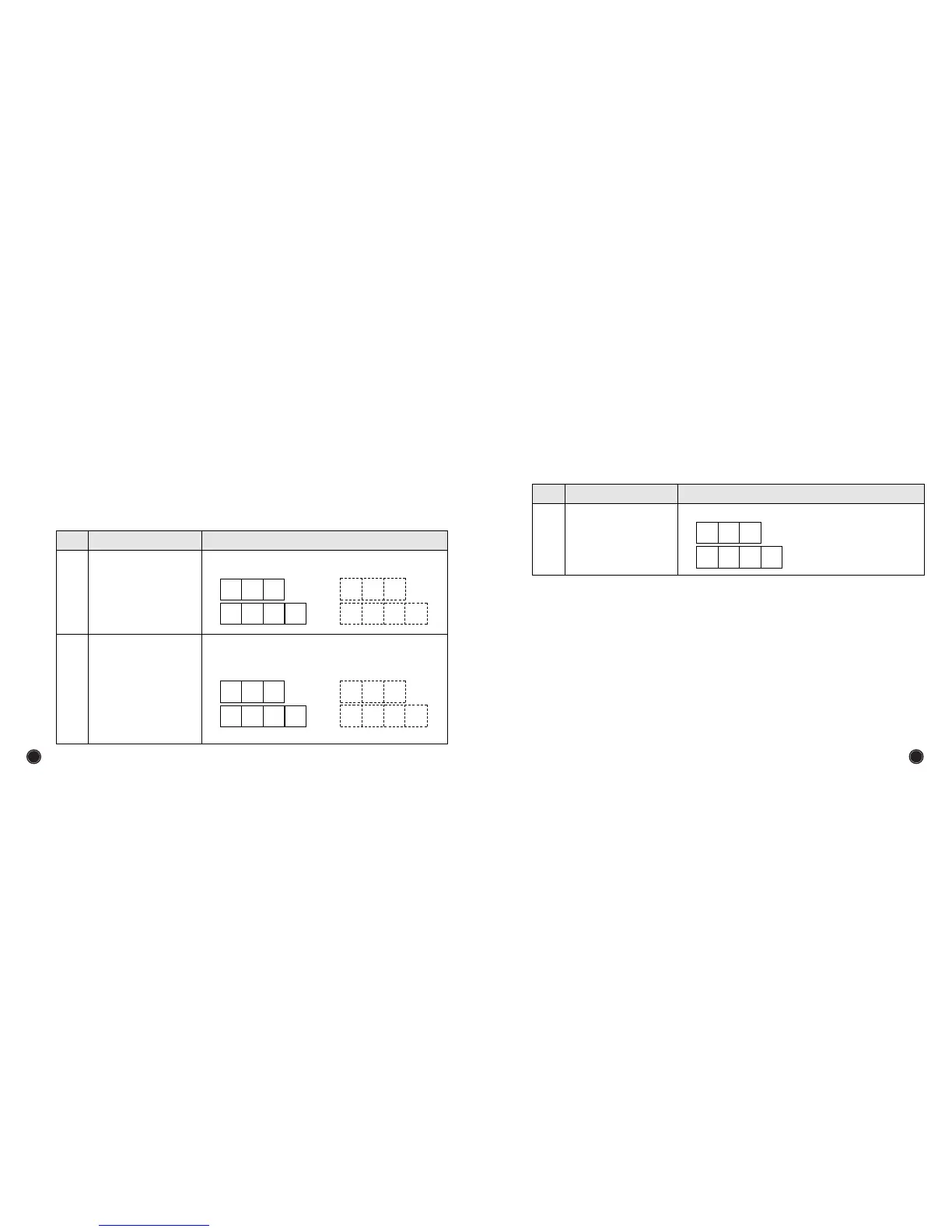
User mode
Push ⑨key for 2~3 seconds to enter into user mode. When user mode is on standby,
set the objective setting number, ①`or`② on the panel.
CONTENTS
ITEMS
Key No
Setting automatic start
on/off
①
Setting buzzer sound
level
②
Adjustable the buzzer sound level in the range
of high, low, mute with pressing this key.
b
E
L
b
E
L
L o
on
,
CONTENTS
ITEMS
Key No
Setting buzzer sound
level
②
b
E
L
o F F
<Automatic Counting><Manual Counting>
S
t
r
A
u t o
S
t
r
nnAn
,


 To Next Page