EasyManua.ls Logo

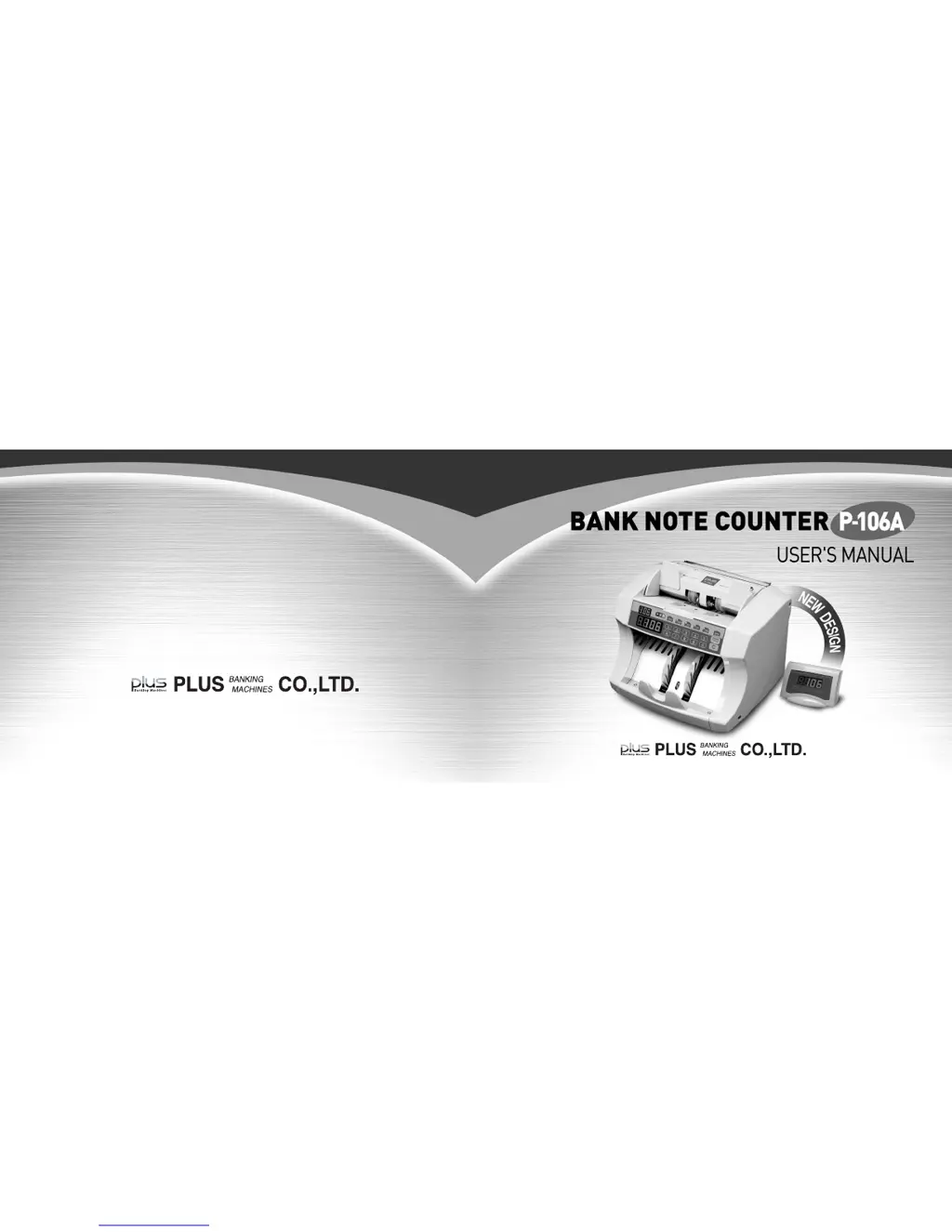
Plus P-106A - User Manual

Plus P-106A
14 pages
Print Icon
To Next Page IconTo Next Page
Loading...
340-4, DANGSAN-DONG 6KA, YOUNGDEUNGPO-KU, SEOUL, KOREA
TEL : +82-2-2679-4131~8 FAX : +82-2-2679-4114
http://www.plus.co.kr e-mail : plus@plus.co.kr
Copyright 2007 PLUS All Rights Reserved Printed in KOREA(Ver 1.2)

Questions and Answers

  • S
    smithpeterAug 3, 2025
    What to do if Plus P-106A doesn't start counting automatically?
    • M
      Mary GravesAug 3, 2025
      If your Plus Banknote Counter isn't starting when you place notes on the hopper, first ensure that there are no notes remaining in the stacker. If an error has stopped the operation, try pressing the key to resume.
  • J
    Jasmine SandersAug 9, 2025
    How to fix note feeding issues on Plus P-106A Banknote Counter?
    • J
      John HopkinsAug 9, 2025
      If your Plus Banknote Counter experiences issues with note feeding, such as intermittent feeding, frequent chain or double errors, or catching multiple notes at once, consider the following: * Ensure the hopper guides are properly positioned. * Use notes that are in good condition. * Place the notes properly in the hopper. * Adjust the gap by turning the paper thickness adjustment screw clockwise to widen it or counterclockwise to narrow it. * Clean the surface of the feeding drum or rollers.
  • J
    Jesse McintoshAug 14, 2025
    Why won't my Plus P-106A Banknote Counter turn on?
    • T
      Travis HendrixAug 15, 2025
      If the Plus Banknote Counter does not turn on, even when the power switch is on, check the following: 1. Ensure the power supply cable is fully inserted. 2. Replace the fuse. If the problem persists after replacing the fuse, it indicates an internal issue with the machine.
  • B
    brandonolsonAug 21, 2025
    What to do if notes are not stacking properly in Plus Banknote Counter?
    • R
      Rachel SmithAug 21, 2025
      If notes are not arranged properly in the stacker of your Plus Banknote Counter, it might be due to a bent or folded stacker vane. Correct the stacker vane to resolve this issue.
  • J
    John AndersenAug 27, 2025
    Why is my Plus P-106A Banknote Counter making an abnormal sound?
    • K
      Kristin OsbornAug 27, 2025
      If you hear an abnormal sound during counting with your Plus Banknote Counter, it could be due to foreign material stuck on the feeding drum or rear guide. Remove any clips, adhesive tape, or other foreign objects.

Summary

Technical Specifications

Operation Panel Overview

Counter Display

Shows the total number of counted notes.

Preset Count Key

Allows user to set a specific count number using the numeric keypad.

Counting Speed Selection

Selects between three different counting speeds (High, Middle, Low).

Operating the Bank Note Counter

Error Code Reference

Jam Error (JAn)

Note is jammed in the machine. Remove jammed notes and check roller gap.

Short Note Error (SH)

Detected short notes. Check for proper paper thickness and density settings.

Half Note Error (HF)

Abnormal note detected. Remove all notes and check roller gap.

Chained Note Error (CHn)

Consecutive notes detected. Adjust roller gap for smooth feeding.

Double Detection Error (db)

Detected double notes. Adjust hopper width and density level.

Sensor Error (Str - Enco)

Sensor dirty or blocked. Turn off power and clean sensors.

Troubleshooting Guide

User Mode Settings

Self-Cleaning Procedures

Plus P-106A Specifications

General IconGeneral
BrandPlus
ModelP-106A
CategoryBanknote Counter
LanguageEnglish