24
25
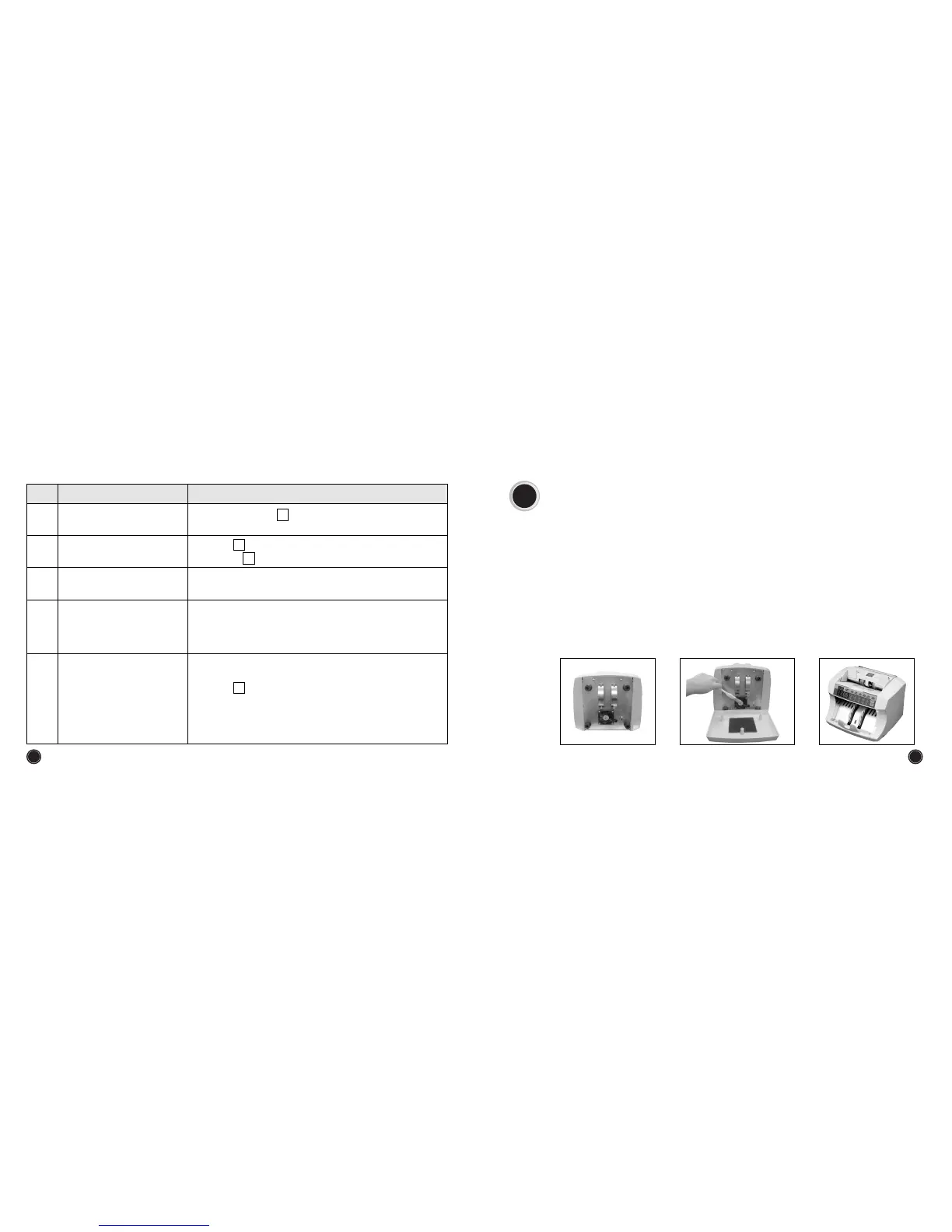
9. SELF CLEANING
1) Dust collector
The dust arose from the counting operation will be gathered in this dust collector and user can
remove the dust easily with the simple disassembling of this device.
2) Cleaning method
① Before cleaning, power off completely.
② Disassemble the dust collector.
③ Clean the inside of the dust collector, Fan, cover and so on with the brush.
④ When the cleaning is over, Please assemble the dust collector.
CAUSE AND TROUBLESSHOOTINGTROUBLESNo
1
)
Same as above No
2
)
Stacker vane is bent or folded.
2
Notes are not arranged
properly in the stacker.
1
)
See No of Error Codes on page 21
2
)
Check No of this troubleshooting guide
2
5
Double errors occur frequently.
1
)
Foreign material is stuck on the feeding drum or rear guide.
(
Remove clips, adhesive tape, etc.
)
Abnormal sound during
counting.
1
)
Some notes are left in the stacker
2
)
When operation is stopped due to an error, remove notes
from stacker and press ⓒ key.
1
)
Press the ⓒ key or turn on and off the power switch to see
the condition of the machine.
2
)
See No of Error Codes on page 21
3
)
Contact your nearest CDM service center.
9
Counting does not start
automatically when notes are
placed on the hopper.
The following error code is
displayed on the LED display.
Str : Start Sensor Error
LEft : LEET Sensor Error
rHt : RIGHT Sensor Error
End : END Sensor Error
Enco : Encoder Sensor Error


 To Next Page