1514
How to select test mode
Push ① key for 2~3 seconds.
How to select each test mode
When test mode is on standby, set the objective test number on the panel by
pressing key no. ①`~`⑨.
How to finish test mode
Press the ⓒ key.
t S t
t E S t
8
)
Test mode
CONTENTS
ITEMS
Key No
Motor condition checking.
①
Motor ON/OFF.
②
Indicates sensor condition.
③
Motor is switched ON or OFF every time.
Each sensor name will be
displayed in case the sensor
condition is abnormal status.
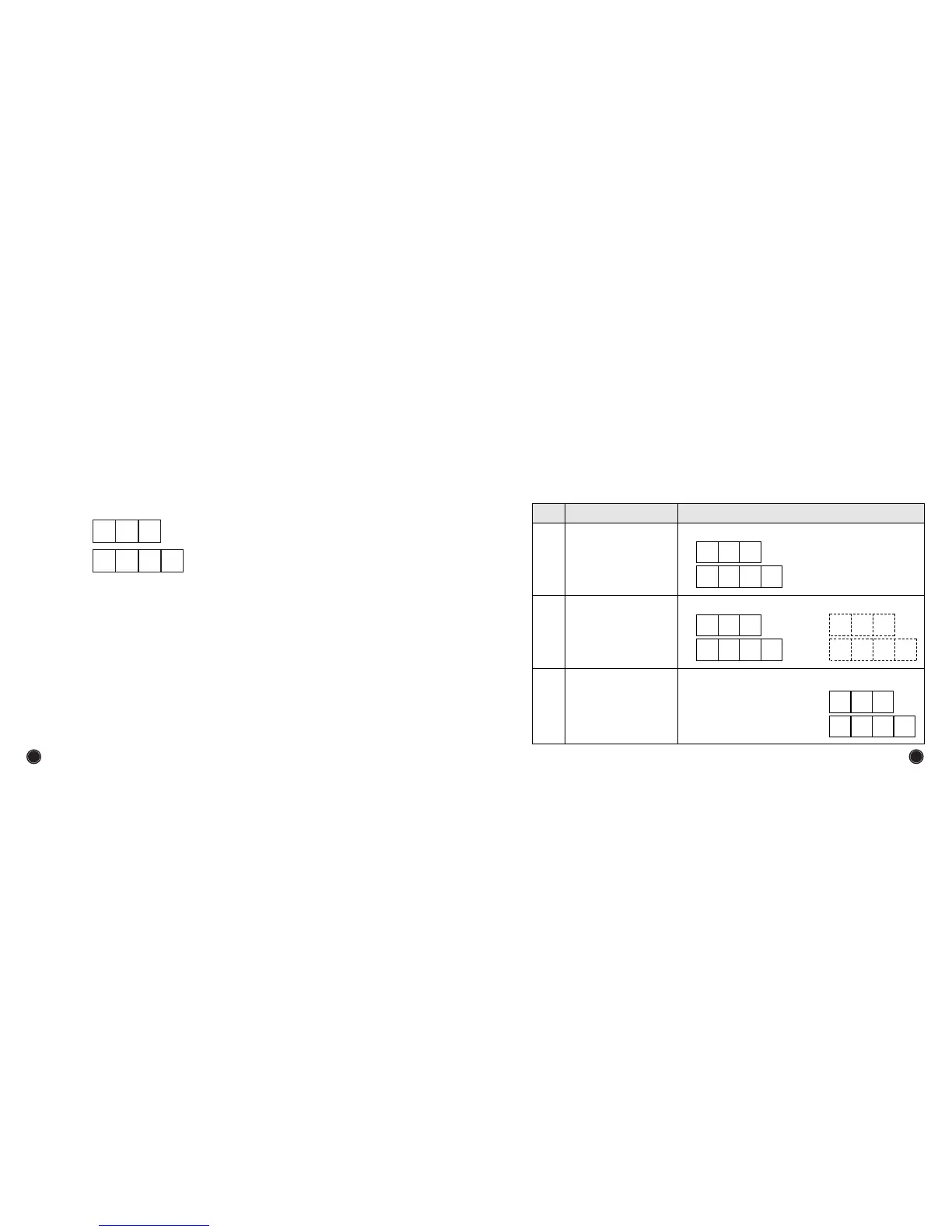
LED Display Example for Sensor
condition.
t
-
2
t
-
2
r u n
StoP
,
Motor is operated continuously.
t
-
1
r u n
t
S
t
g
o o d
All Sensors are normal.


 To Next Page