How to install Plustek BookReader software?
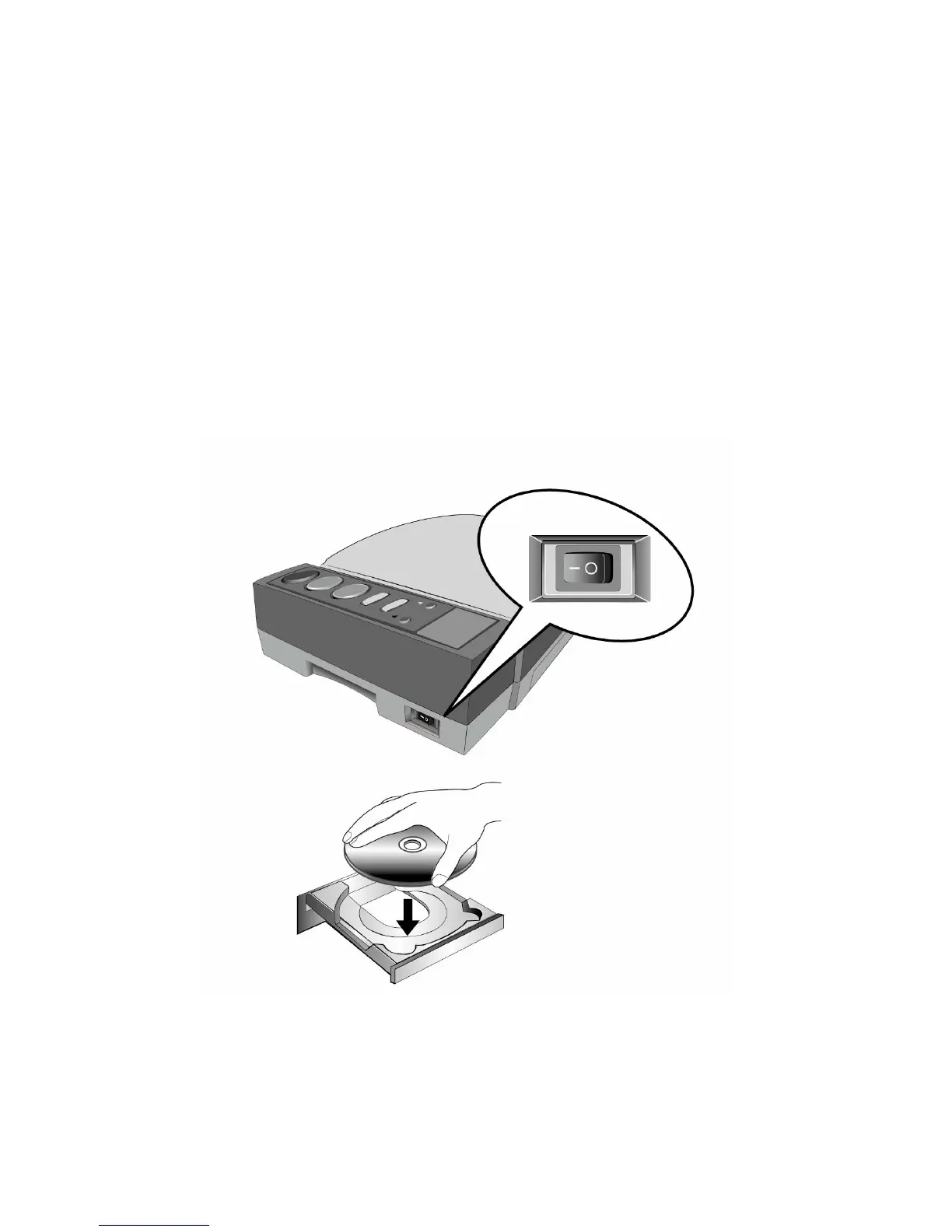
1. Switch the BookReader power on.
2. Insert the BookReader CD ROM into your CD ROM drive.
3. The CD ROM will then install itself automatically.
4. When the installation has been completed it will deliver the following audio
message “the installation has completed, the system will restart”.
5. It will then restart your computer and the installation will be completed.













 To Next Page