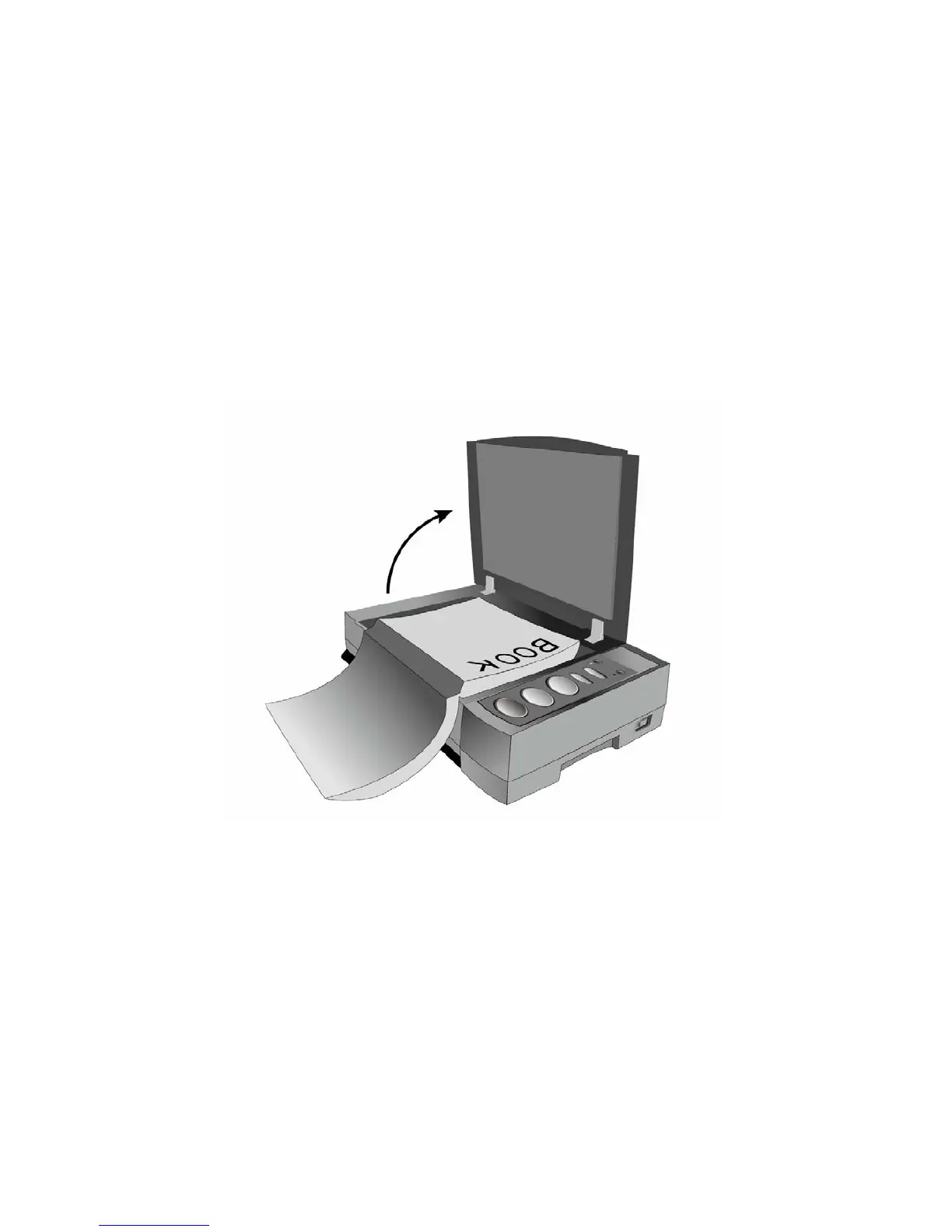
How to use Plustek BookReader?
1. Open the BookReader’s lid and place a book on the scanning glass with the top
of the page facing towards the BookReaders button panel.
2. Then gently close the lid.
3. Press a button for the function you want on the BookReader; it will start to scan
the page. As it scans it will then read out the text.
4. Please do not press the button again while the current page is being scanned.













 To Next Page