EQ Window
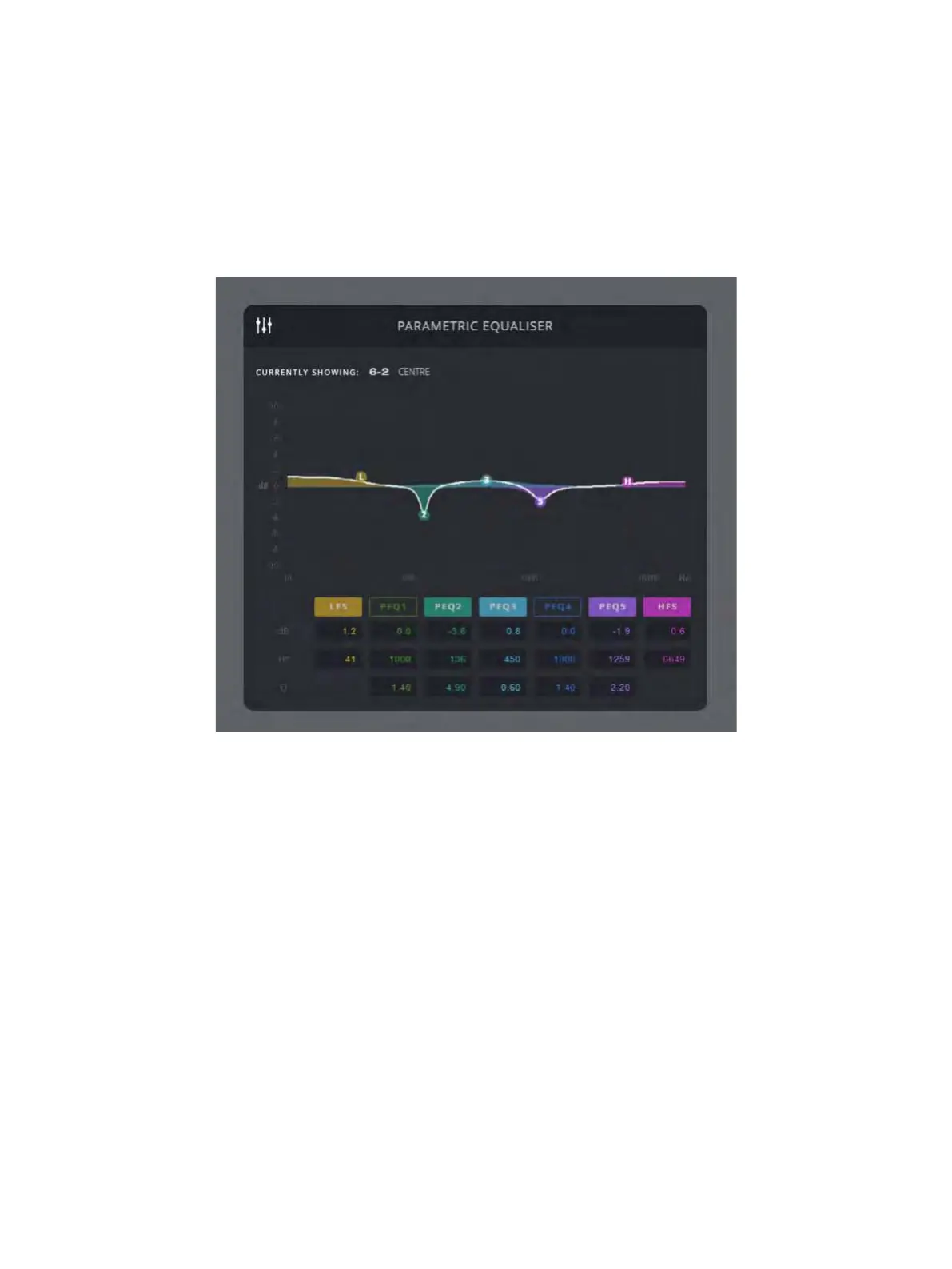
The EQ window graphically displays the EQ settings of the ‘Current’
speaker. Any changes made in this window will affect all selected speakers.
Each EQ band has text entry boxes for each parameter and a coloured On/
Off button. The EQ graph can also be clicked and dragged with a mouse,
and the mouse scroll wheel adjusts the Q-factor. Altered EQ settings are
applied by the DSP only when the mouse button is released.


 To Next Page