5
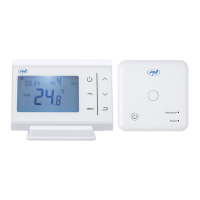
Pairing transmitter and receiver
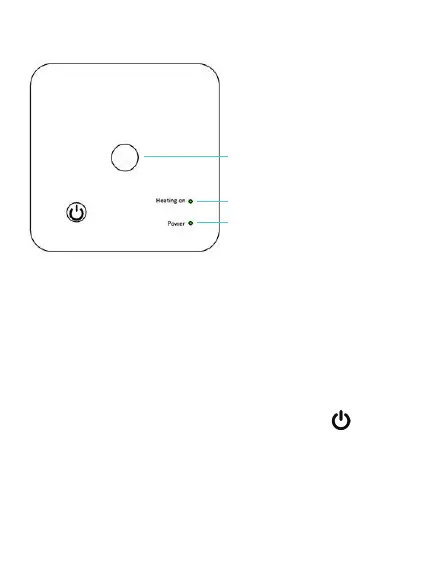
Pairing button
Central heating ON indicator
LED 1
LED 2
Power indicator
Note: the two units come paired from the factory. Make
the pairing procedure only if there are communication
problems.
Long press the pairing button on the receiver unit.
LED 1 flashes frequently.
Turn o the transmitter unit by pressing the key.
Press and hold the MENU key on the transmitter unit
until the pairing code appears on the display (for example
FF FF 0). Immediately press the ▲ key. Another code
will flash on the screen. If the pairing was successful,
the code on the screen will disappear and LED 1 (green)


 To Next Page