7
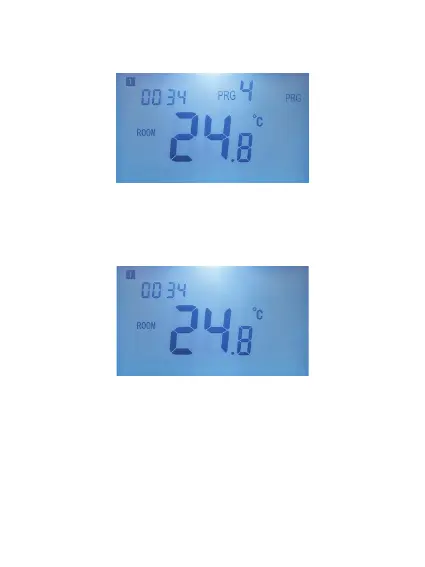
In Scheduled mode, the PRG icon appears on the right
side of the screen as in the image below:
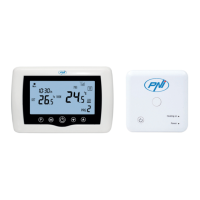
In Manual mode, only the time, day and temperature
are displayed on the screen:
In Holiday mode (Economic), on the right side of the
screen appears an icon in the form of a suitcase as in the
image below:


 To Next Page