13 - User manual
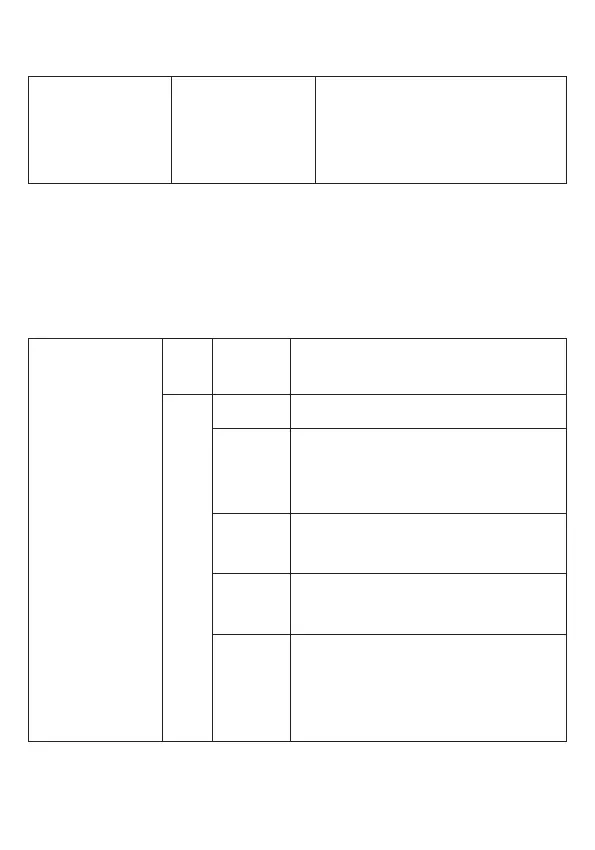
Add user cards in series
* Master code #
17
(for Zone 1)
27
(for Zone 2)
Input ID #, Input card number
#, Input quantity #
Note: Card numbers must be consecutive (between 8 and 10
characters). Card quantity is between 1 and 2000.
3. System settings
* Master code #
30 0-15 #
Setting the unit code (Facility
Code). Default: 0
31
0 # Reader Wiegand
1 #
One-door stand-alone access
control (default setting)
2 #
Stand-alone access control for
two doors
3 #
With external reader for two
doors
4 #
Two interconnected units for
two doors
(protection when opening
multiple doors)


 To Next Page