ADVANCED MENU
23
Auto - On
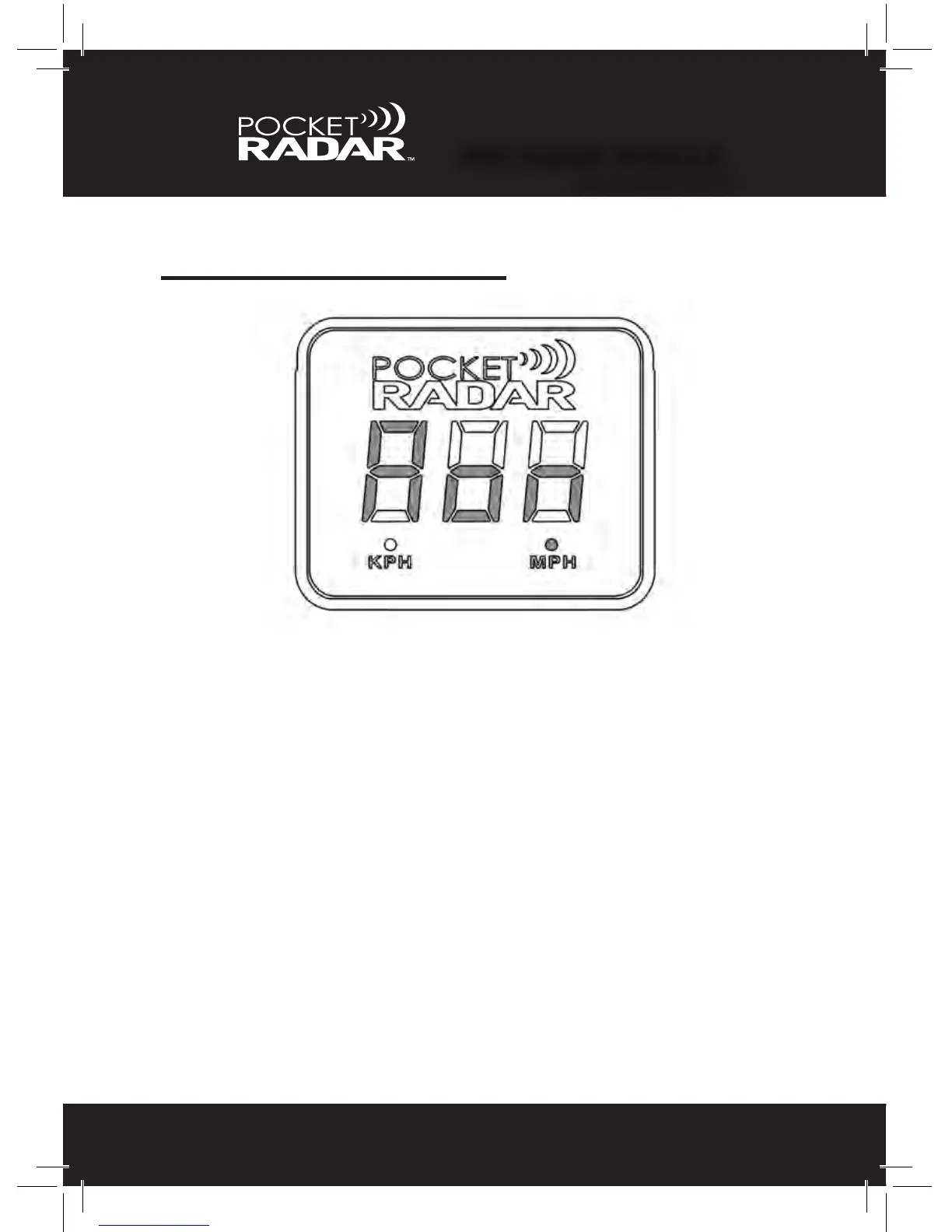
The fourth menu feature is the option to automatically turn on the Display
when plugged in using a USB power source. Hold down the Power (red)
and Mode (black) buttons for 6.5 seconds and "aon” will appear.
• Releasing the Power (red) and Mode (black) buttons while “aon” is
displayed will bring the user into the selection menu.
- “aon” and the selected mode will alternate every 1 second.
- Pressing the Power (red) button will cycle the user through
the different auto options (Yes or No). “Yes” means auto - on
is set up, while “No” means auto - on is not set up.
- Pressing the Mode (black) button locks in your choice and
resumes normal operation; Current selection on the display is
saved as the new auto-on mode.
- Not cycling for 45 seconds will not update the current value,
and automatically exits the menu.”
•Thefactorydefaultsettingis"no” (See page 27 to Learn More)
PRO RADAR MODULE
™
ADVANCED MENU



 To Next Page