SMART COACH RADAR
™
PAIRING
31
PAIRING
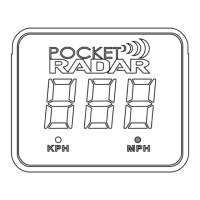
To Pair the Smart Display to your Smart Coach for
wireless operation, follow the steps below:
1. Use the supplied USB cable to temporarily connect the Smart
Display directly to your Smart Coach radar by wired connection.
2. Hold down both the red and black buttons at the same time on
the Smart Display for 2 seconds to enter the advanced menu.
3. Release both buttons when ‘BLE’ is displayed. The display will
continuouslyash‘BLE’ while the pairing operation is in process.
4.Oncethe“BLE’turnssolidandstopsashing,theSmart
Display is then paired with the Smart Coach radar and can be
used wirelessly.



 To Next Page