20
Library
This application used for displaying, managing and
purchasing (via Obreey store) books on the device. To enter
Library, tap the ‘Books’ icon on the Main panel.
Note: Files in media formats (i.e. music, video etc.) are not
displayed in the Library. To access these files, use the File
Manager
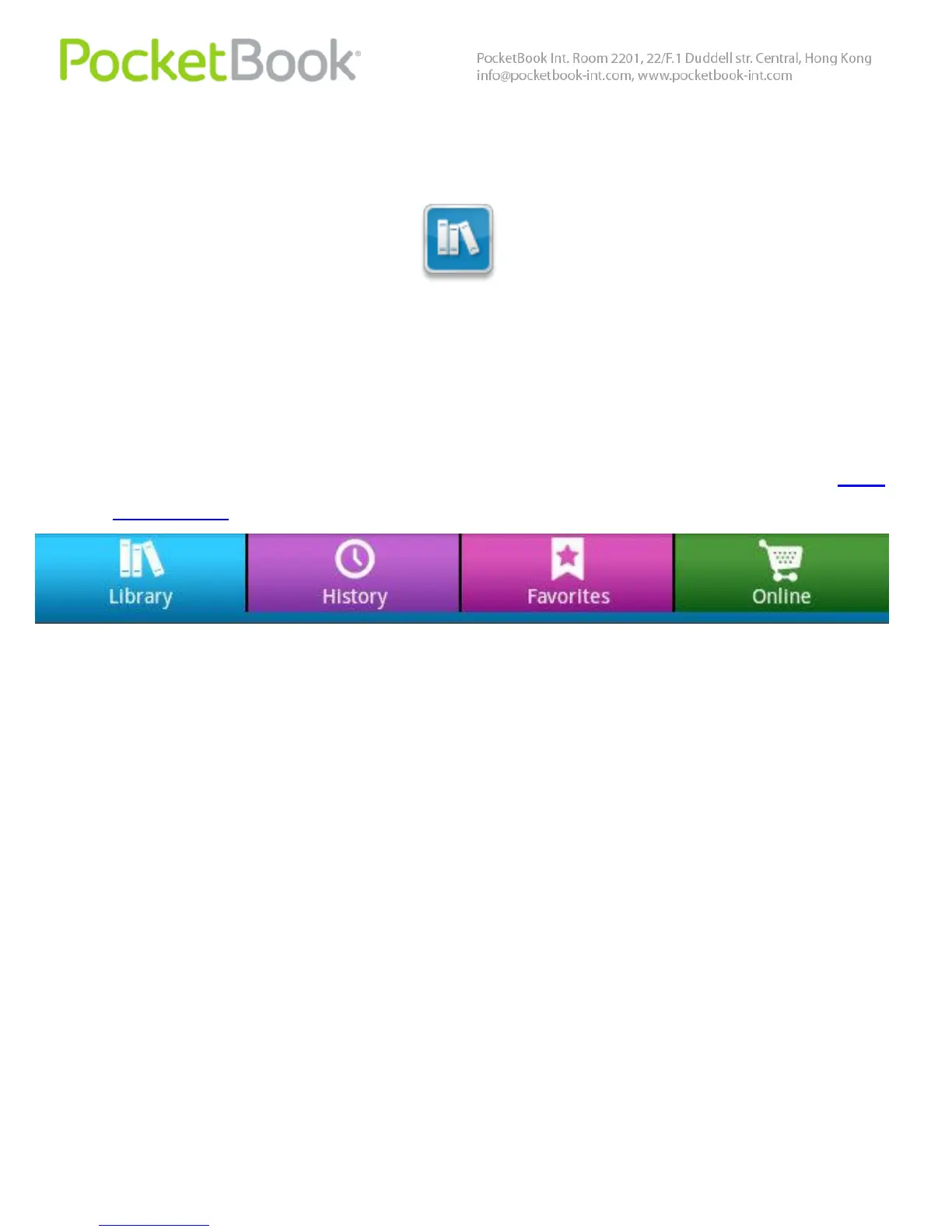
Library has 4 tabs:
Library – displays all the books, stored on device
History – recently opened books
Favorites
Online – Obreey online bookstore.
Books in Library can be represented in two modes:
Shelves (by default) and Folders. In Shelves mode you can
arrange books to your own, without changing their location
in memory. Folders mode displays books as they stored.



 To Next Page