EasyManua.ls Logo

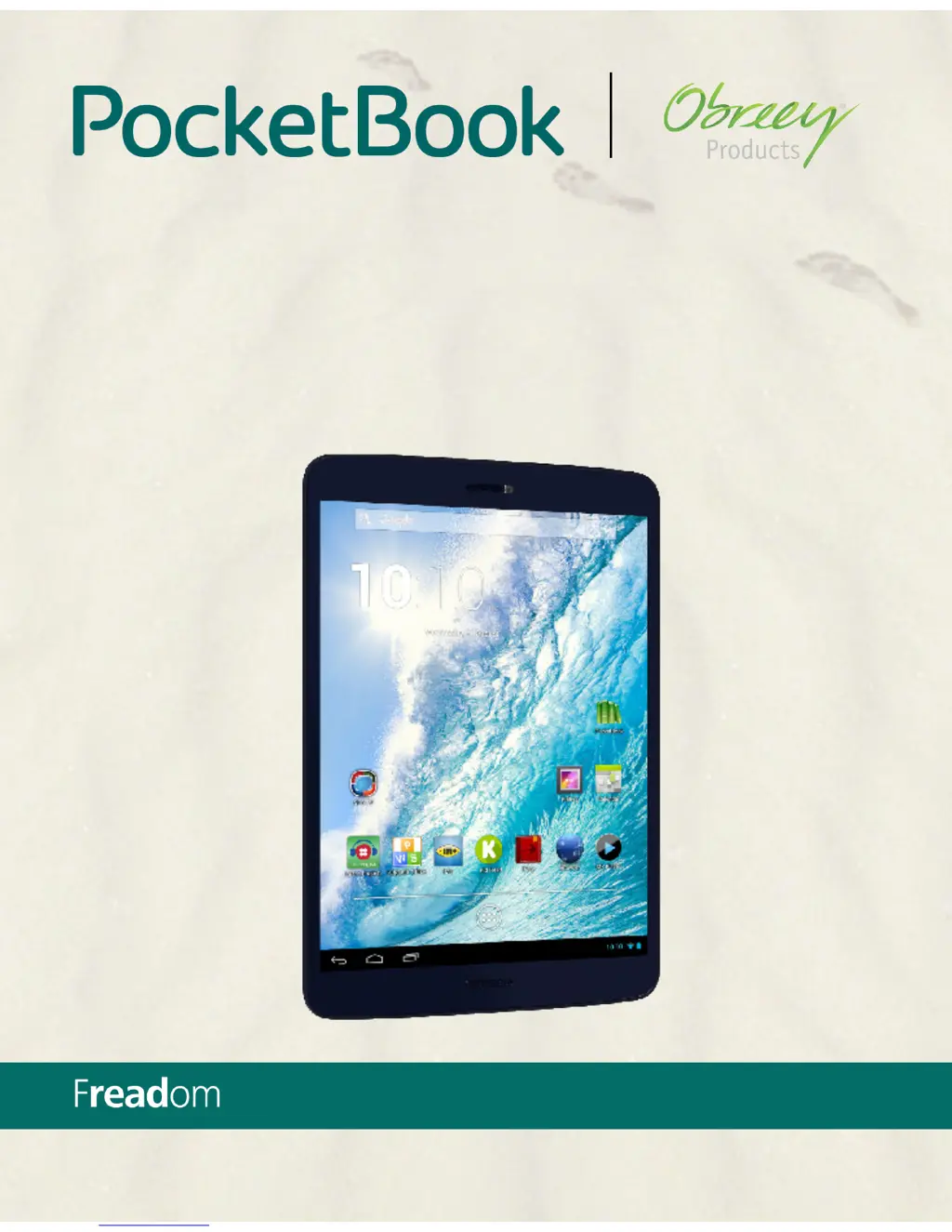
Pocketbook SURFpad - User Manual

Pocketbook SURFpad
49 pages
Print Icon
To Next Page IconTo Next Page
Loading...
User Manual
PocketBook SURFpad 3
7,85’’

Questions and Answers

  • D
    Dr. Matthew Boone Jr.Aug 9, 2025
    What to do if Pocketbook SURFpad doesn’t respond to screen touches or key presses?
    • N
      Nicole MartinezAug 9, 2025
      If your Pocketbook Tablet is unresponsive, restart the device by pressing and holding the On/Off button for 10 seconds until it turns off. Holding the On/Off button for 5 more seconds will completely reboot the power management system. To switch the device back on, press the power button again as usual. If the issue persists, use a thin item to press the Reset button on the side panel.
  • C
    Cody Jones MDAug 22, 2025
    What to do if my Pocketbook SURFpad Tablet only shows the splash screen after turning on?
    • K
      Kayla JacksonAug 22, 2025
      If your Pocketbook Tablet only displays the splash screen, follow these steps: 1. Turn off the device by pressing and holding the power button. 2. Press and hold the Volume + button, then switch the device on by pressing the power button. 3. The Android system recovery menu (Android logo with an exclamation mark) will appear; release the Volume + button. 4. Use the Volume +/- keys to select 'wipe data/factory reset', then press the On/Off key to confirm. 5. Select 'yes – delete all user data' and press the Menu button. 6. In the service menu, select 'reboot system now' and press the Menu button.

Summary

Safety Precautions

Technical Specifications

Getting Started

Charging The Battery

Step-by-step instructions for safely charging the device's battery for the first time and subsequent use.

Unlock Your Device

Procedure for unlocking the device's screen using the touch interface.

Finger Gestures

Detailed explanation of common touch gestures like Tap, Press and Hold, Slide, Drag, Flick, and Pinch.

Establishing Wi-Fi

Steps to connect the device to a wireless network during initial setup or later.

Mobile Networks Connection

Guidance on connecting to cellular networks for internet access using a SIM card.

Software

Manage Data

Using the File Manager to navigate, organize, and manage files on internal and external storage.

Application Launching

Methods for opening applications from the home screen or application list and creating shortcuts.

Camera: Photo and Video Modes

Explanation of camera functions, modes, settings, and taking photos/videos.

Email: Setting Up the Account

Steps to configure email accounts, including server settings and account names.

Settings

Wireless & Networks Settings

Configuration options for Wi-Fi, Bluetooth, Data usage, Airplane mode, and Tethering.

Storage Management

Viewing internal and SD card storage status, and options to unmount or erase storage.

Restore to Factory Settings

Steps to reset the device to its original factory state and erase all data.

Wi-Fi Connection

Connecting to Wi-Fi Automatically

Steps to connect to a Wi-Fi network with automatic IP address acquisition.

Firmware Update

Automatic Update

Steps to update the device's firmware automatically via system settings.

Manual Update (Variant 1 & 2)

Instructions for updating firmware by downloading files to PC and transferring to the device.

Manual Update (Variant 3)

Alternative method for manual firmware update via recovery mode.

Troubleshooting

Device Unresponsive

Solutions for when the device does not respond to touches or button presses.

Splash Screen Issue

Troubleshooting steps for devices stuck on the splash screen without loading.

Pocketbook SURFpad Specifications

General IconGeneral
RAM1 GB
Battery Capacity6000 mAh
Front Camera0.3 MP
Display TypeIPS
Expandable StoragemicroSD up to 32 GB
WirelessWi-Fi 802.11b/g/n

Related product manuals